






Made byBobr AI

Design Principles: Good vs. Bad Visual Composition Guide

Learn essential design principles like balance, visual weight, and rhythm with a visual comparison of effective vs. ineffective tattoo art and layouts.

#design-principles#visual-composition#tattoo-art-design#graphic-design-basics#art-theory#balance-in-design#visual-hierarchy
Watch
Pitch

Design Principles: Good vs. Bad

A Visual Comparison of Balance, Weight, Color, Texture, and Rhythm

Made byBobr AI

Why Composition Matters

Visual composition determines how a viewer interprets a design. It guides the eye, creates emphasis, and evokes emotion. By comparing ineffective execution with effective application, we can understand the subtle forces that make a design work.

Made byBobr AI

1. Balance

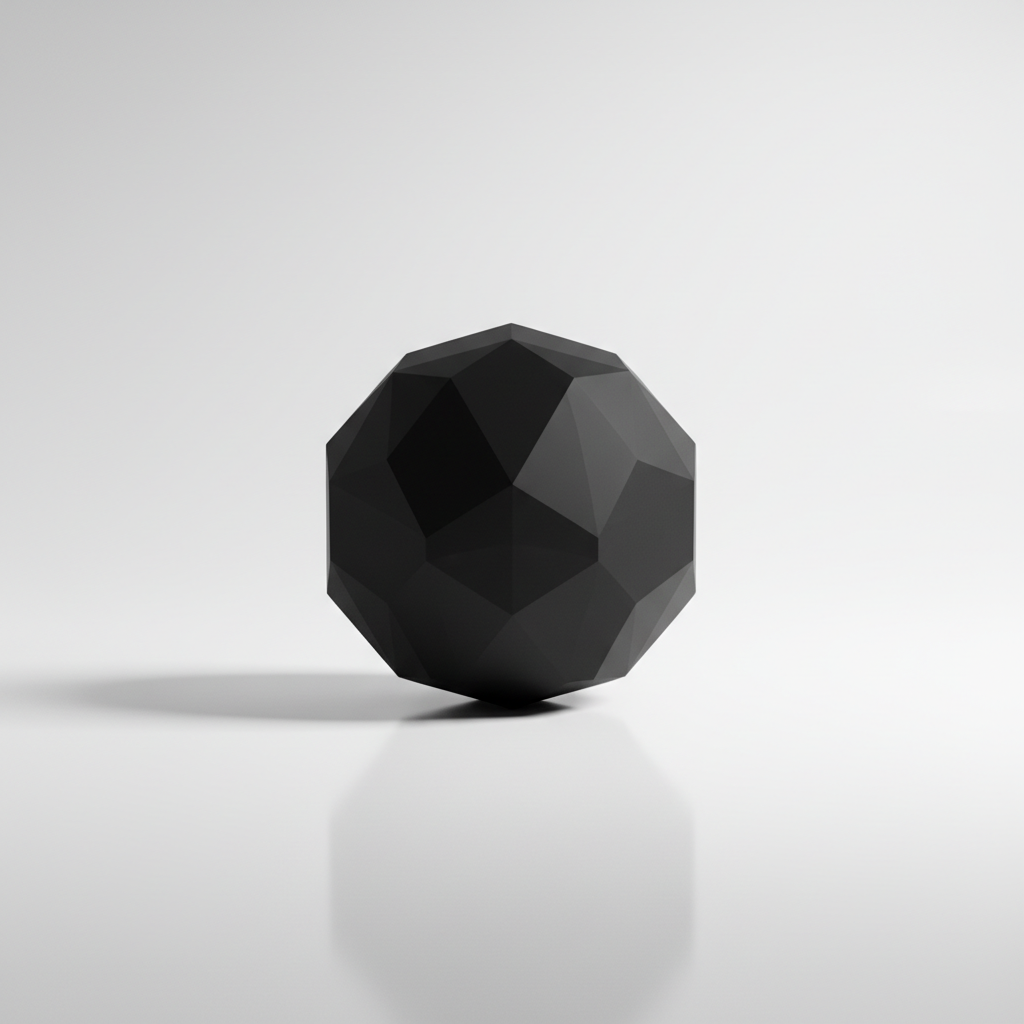
Ineffective: Unstable
Effective: Equilibrium

Balance provides stability and structure to a design. It balances the visual weight of elements to ensure the layout doesn't feel like it is 'tipping' to one side.

Made byBobr AI

2. Visual Weight

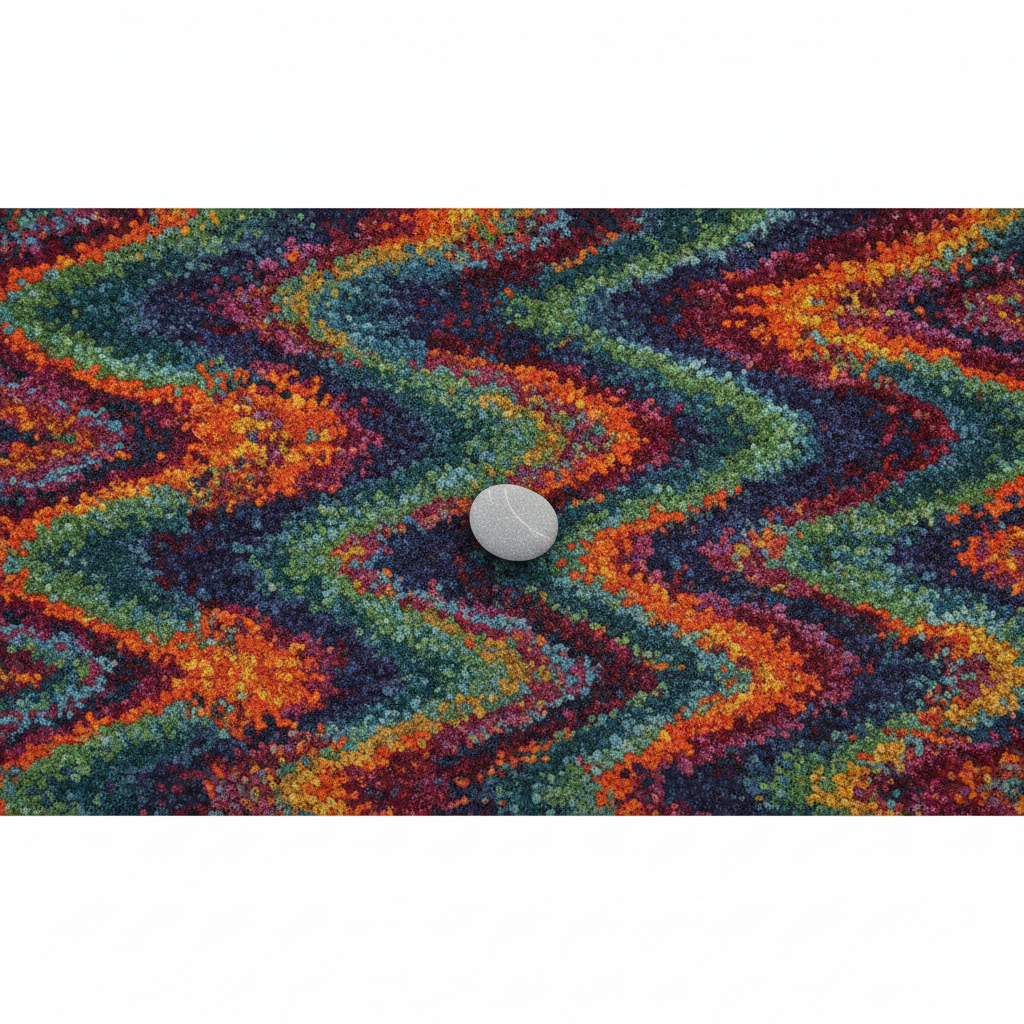
Ineffective: Lost Subject
Effective: Clear Anchor

Visual weight refers to the perceived 'heaviness' of an element. Large, high-contrast, or dark elements attract the eye more than small, low-contrast ones.

Made byBobr AI

Principles of Hierarchy

  • Scale: Larger elements are perceived as more important.
  • Color: Bright or contrasting colors draw attention first.
  • Isolation: Elements surrounded by negative space stand out.
Made byBobr AI

3. Color & Size

Ineffective: Clutter & Clash
Effective: Harmony & Scale

Color should create mood and focus, not confusion. Size establishes hierarchy. When everything is the same size and loud color, nothing stands out.

Made byBobr AI

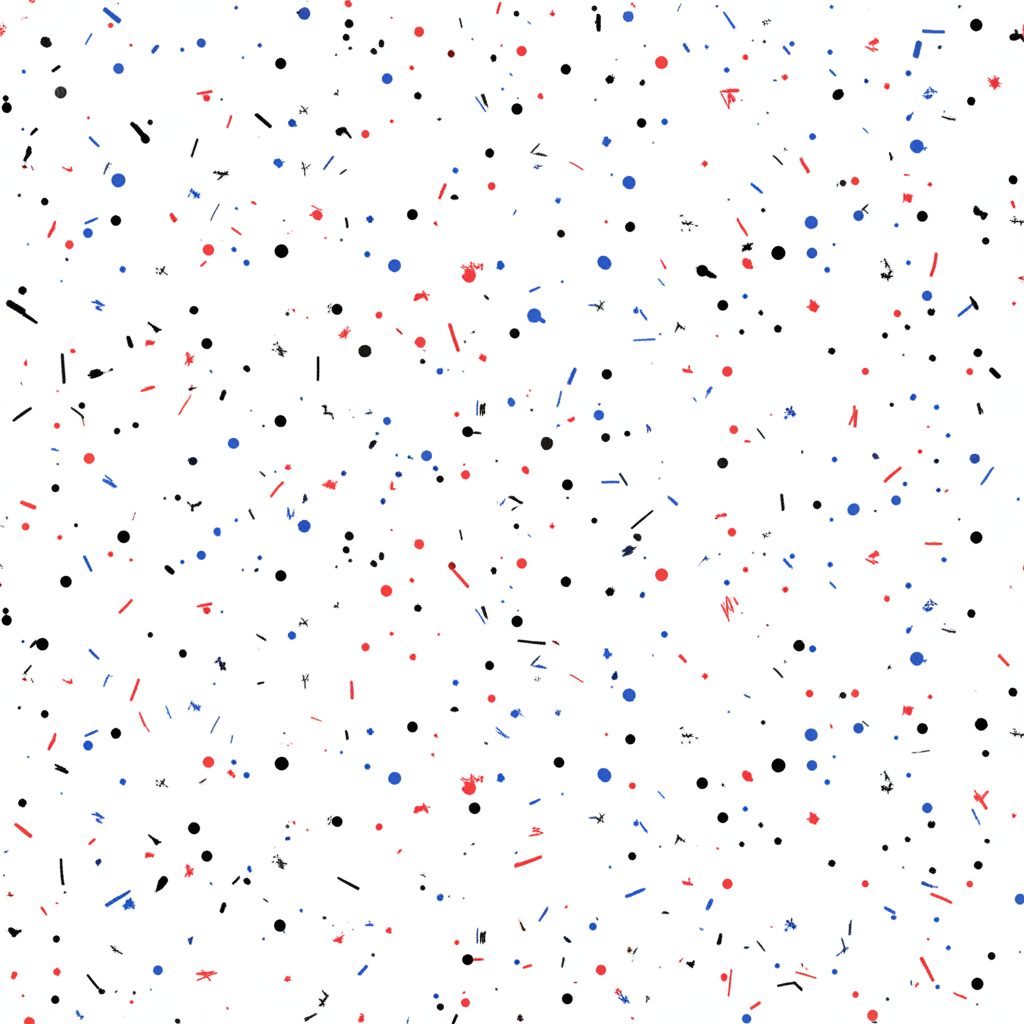
4. Quantity & Texture

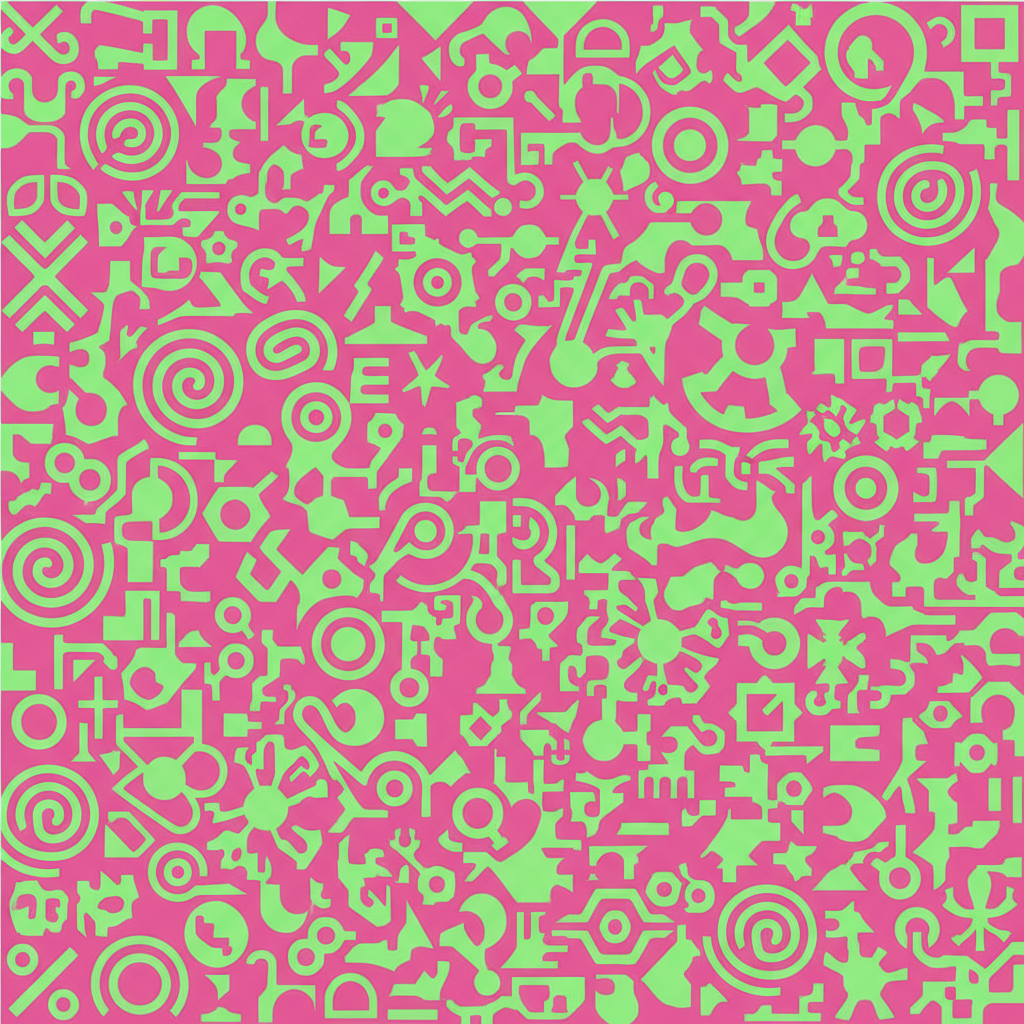
Ineffective: Noise
Effective: Curated

More is not always better. Too many objects or conflicting textures create visual noise (clutter). A curated quantity with complementary textures feels sophisticated.

Made byBobr AI

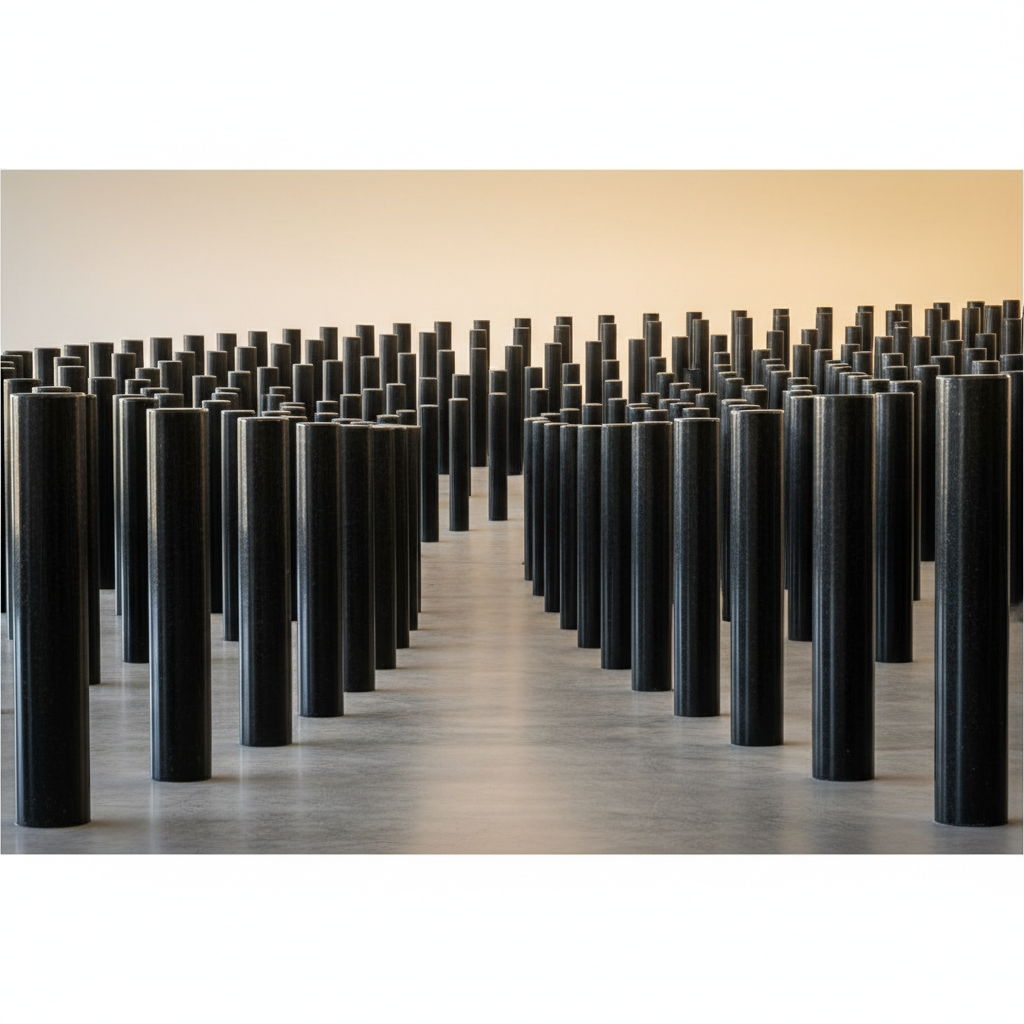
5. Rhythm

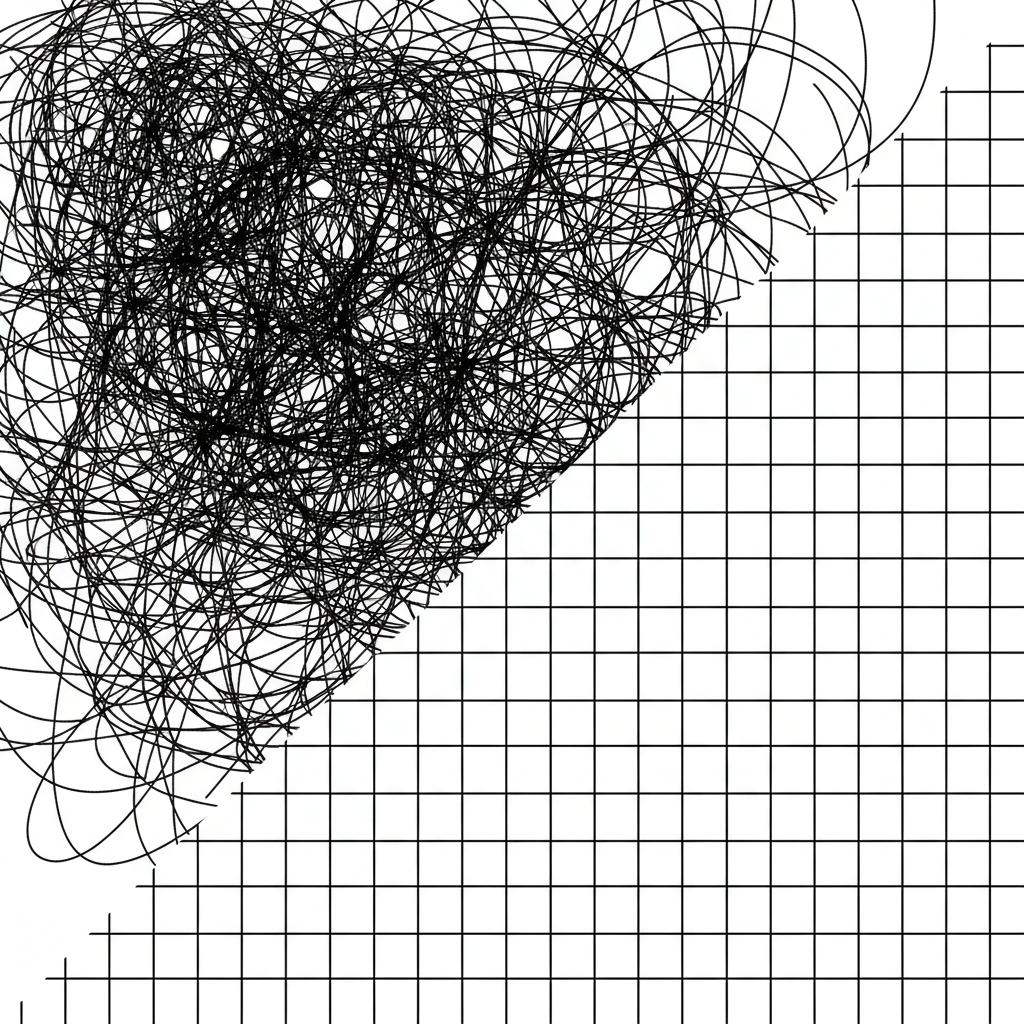
Ineffective: Staccato/Chaos
Effective: Flowing

Rhythm creates a path for the viewer's eye. Good rhythm uses repetition and variation to lead the eye through the design comfortably.

Made byBobr AI

"Design is the silent ambassador of your brand."

— Paul Rand

Made byBobr AI

Summary & Key Takeaways

  • Seek Equilibrium: Avoid 'heavy' sides in your layout.
  • Control Focus: Use size and color to dictate where the eye looks first.
  • Reduce Noise: Minimize texture and quantity to increase impact.
  • Establish Flow: Use rhythm to guide the viewer through the content.
Made byBobr AI

Applying Principles to Tattoo Art

Tattooing is a unique medium where the canvas moves and ages. Let's revisit the design principles to see how they apply specifically to ink on skin.

Made byBobr AI

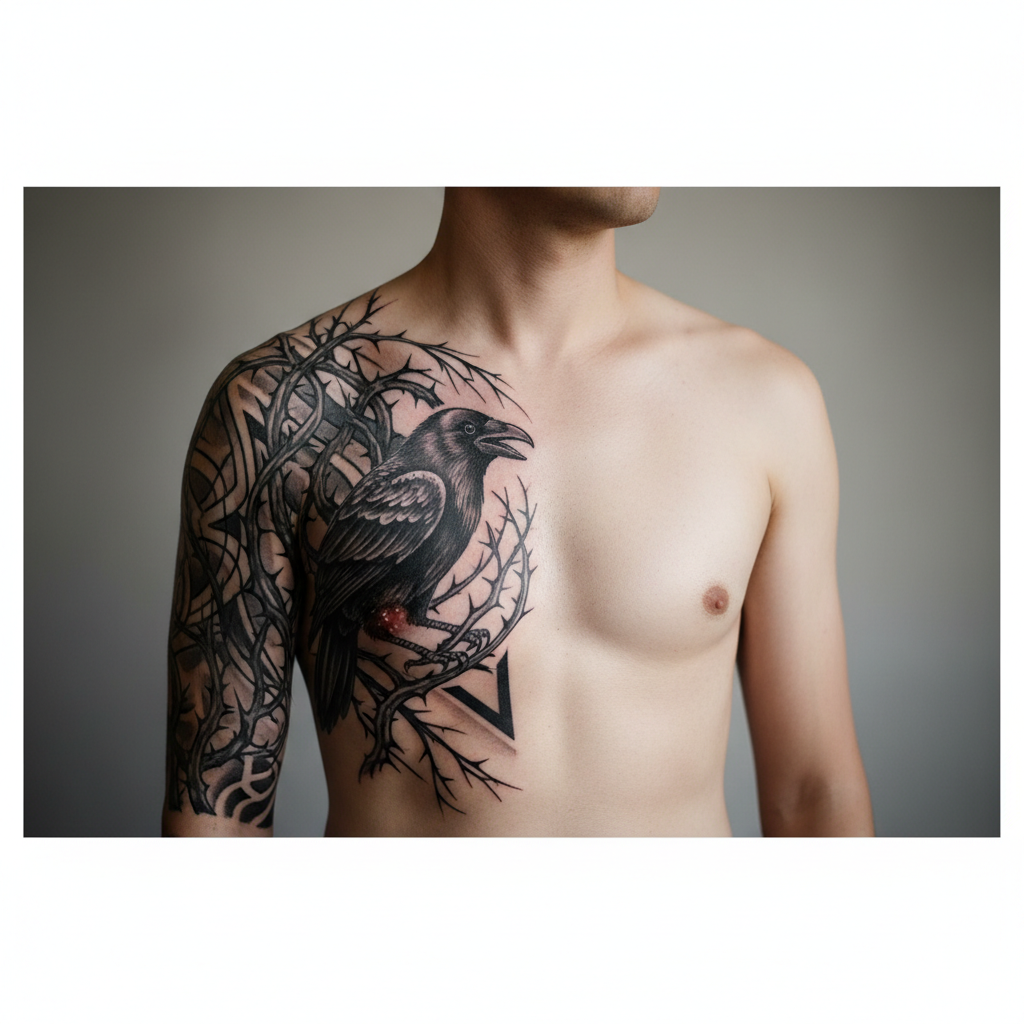
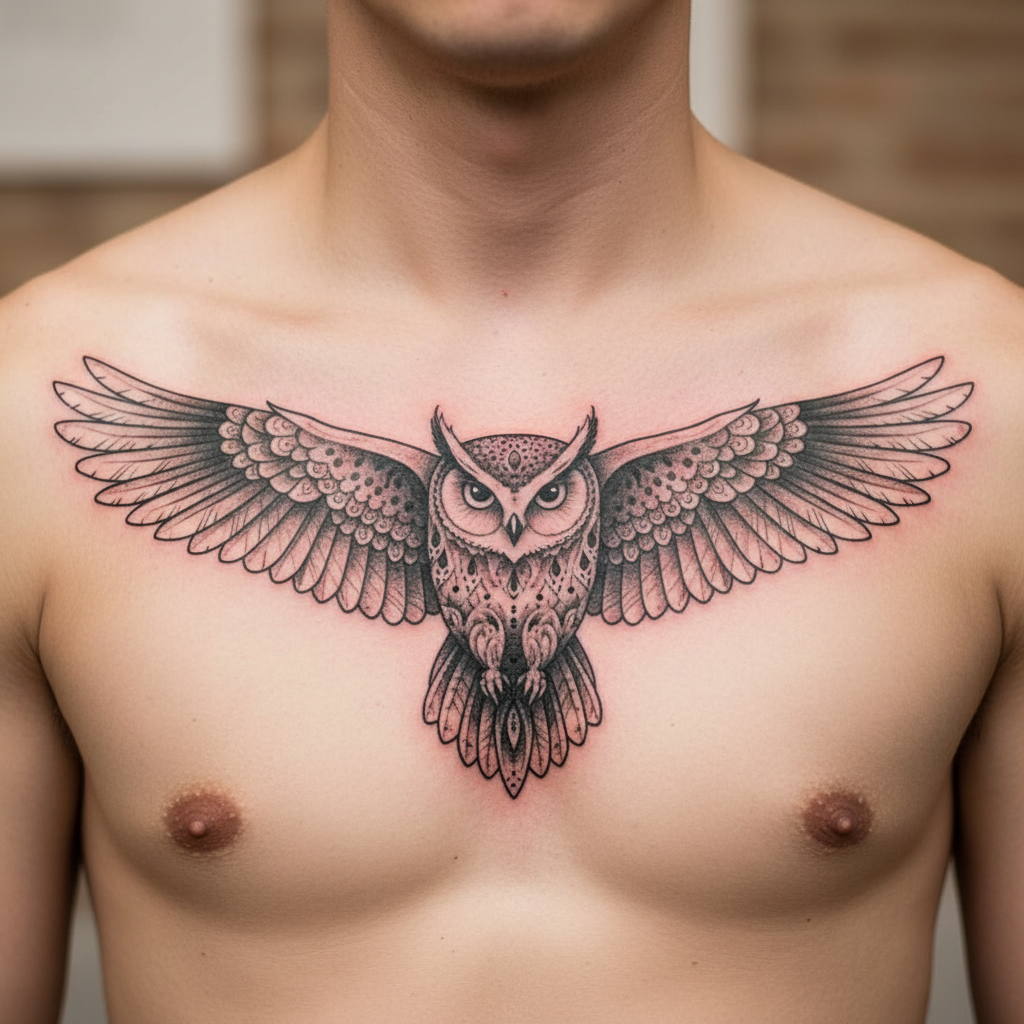
1. Tattoo Balance

Ineffective: Unbalanced
Effective: Symmetrical Flow

In body art, balance respects the natural symmetry. An unbalanced tattoo can make the body look lopsided or awkward.

Made byBobr AI

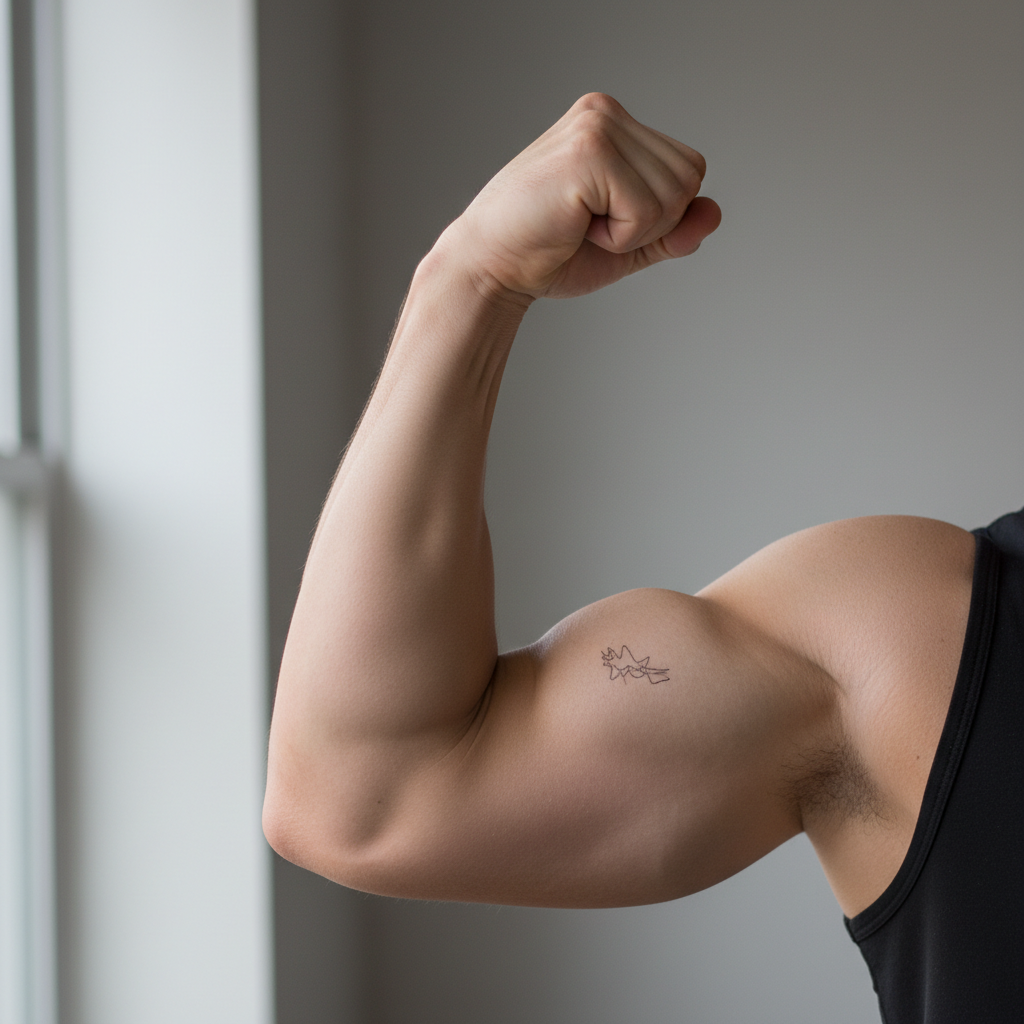
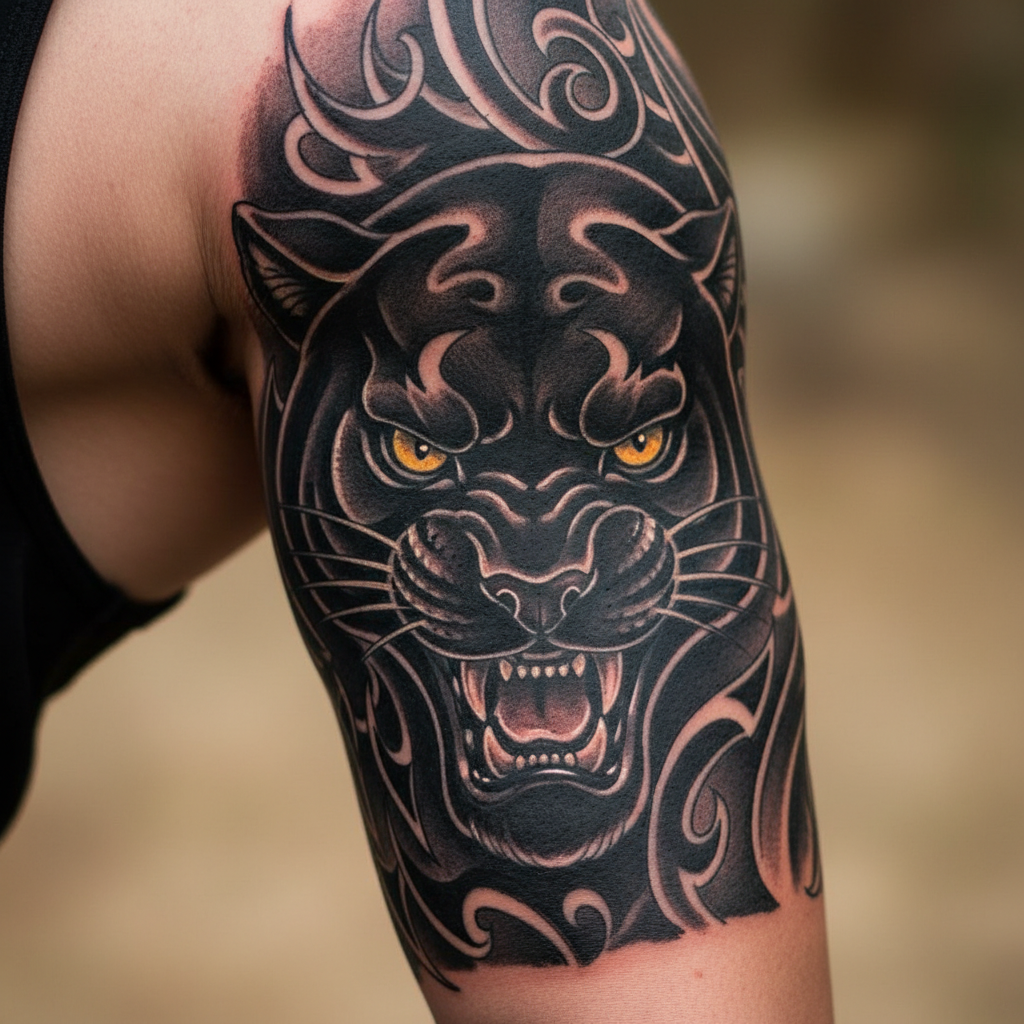
2. Visual Weight in Ink

Ineffective: Weak Presence
Effective: Strong Anchor

Tattoos need enough visual weight to hold their placement. Too light, and it looks like a blemish; bold placement anchors the design.

Made byBobr AI

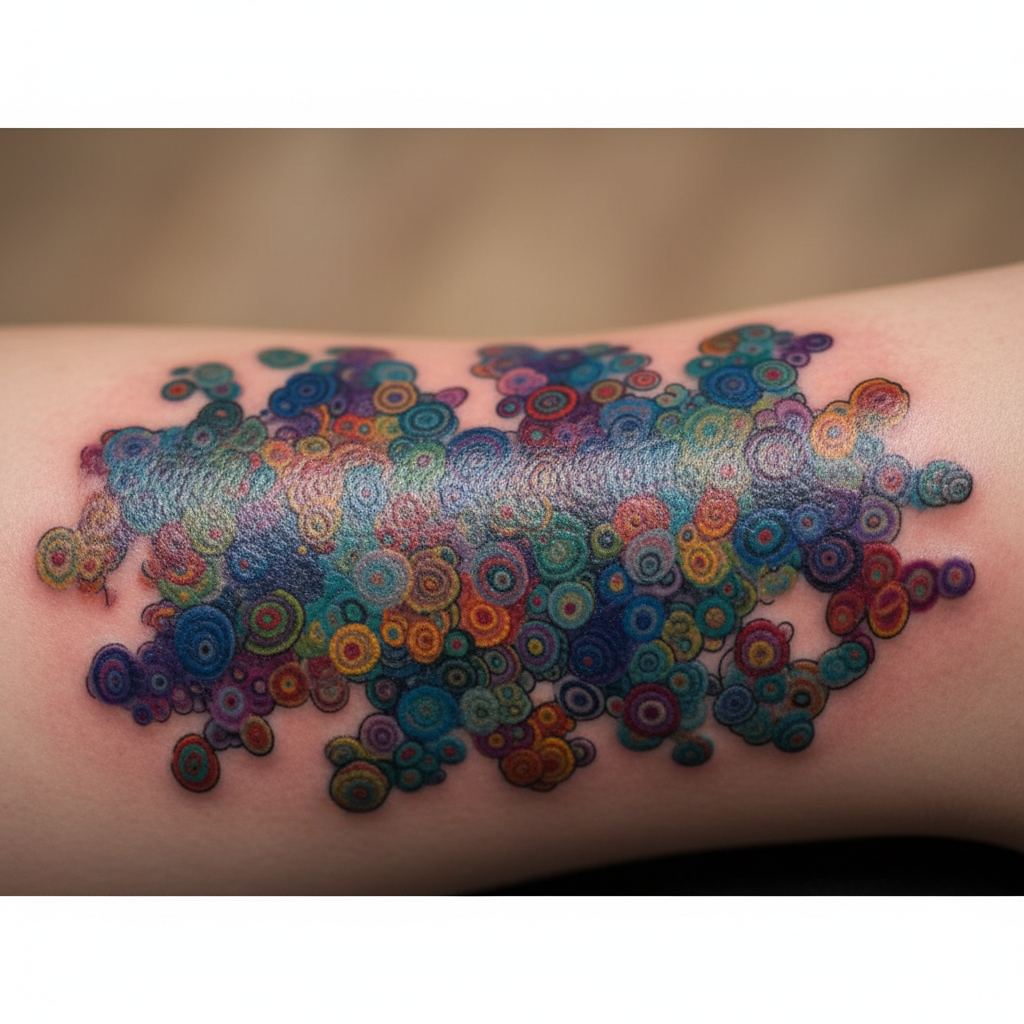
3. Color & Readability

Ineffective: Muddy
Effective: Bold Contrast

Skin isn't white paper. Designs need high contrast and bold size to remain readable as the ink settles and the skin ages.

Made byBobr AI

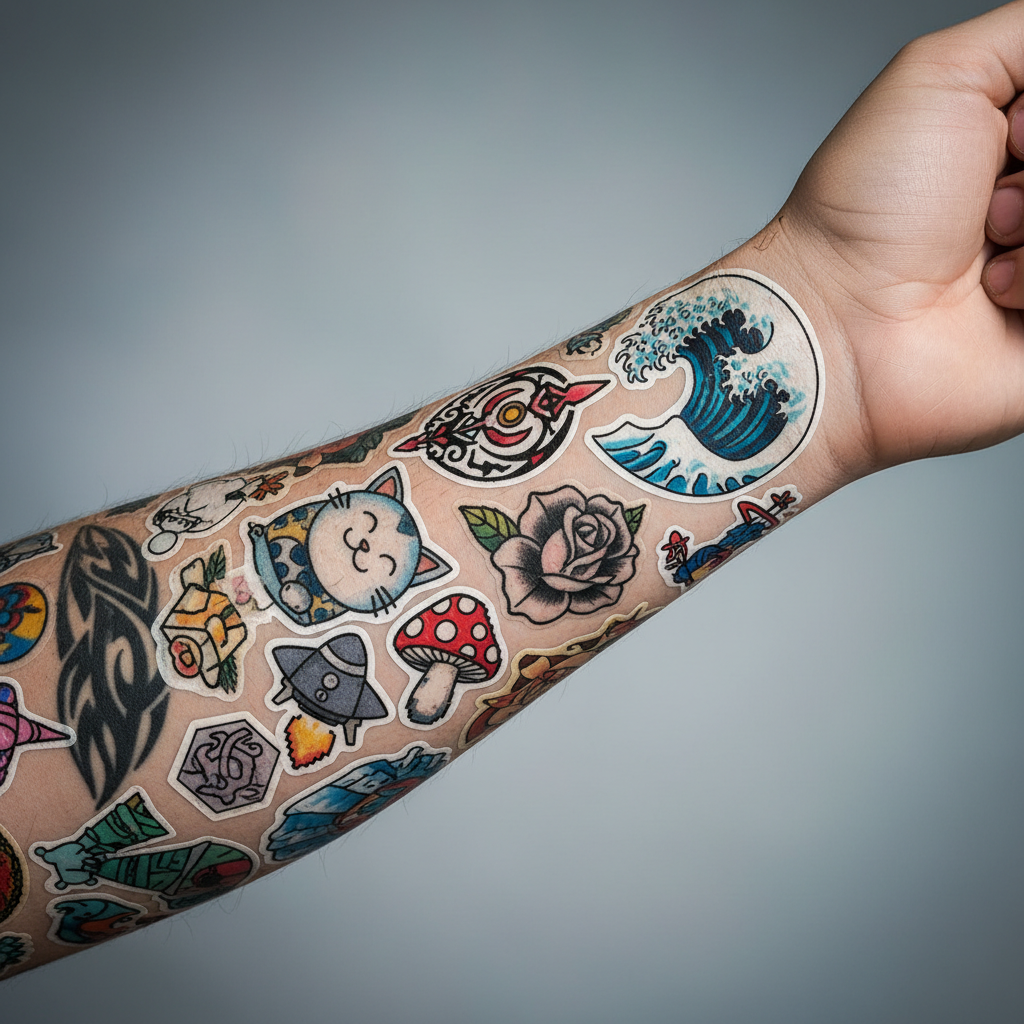
4. Quantity & Flow

Ineffective: Patchwork Chaos
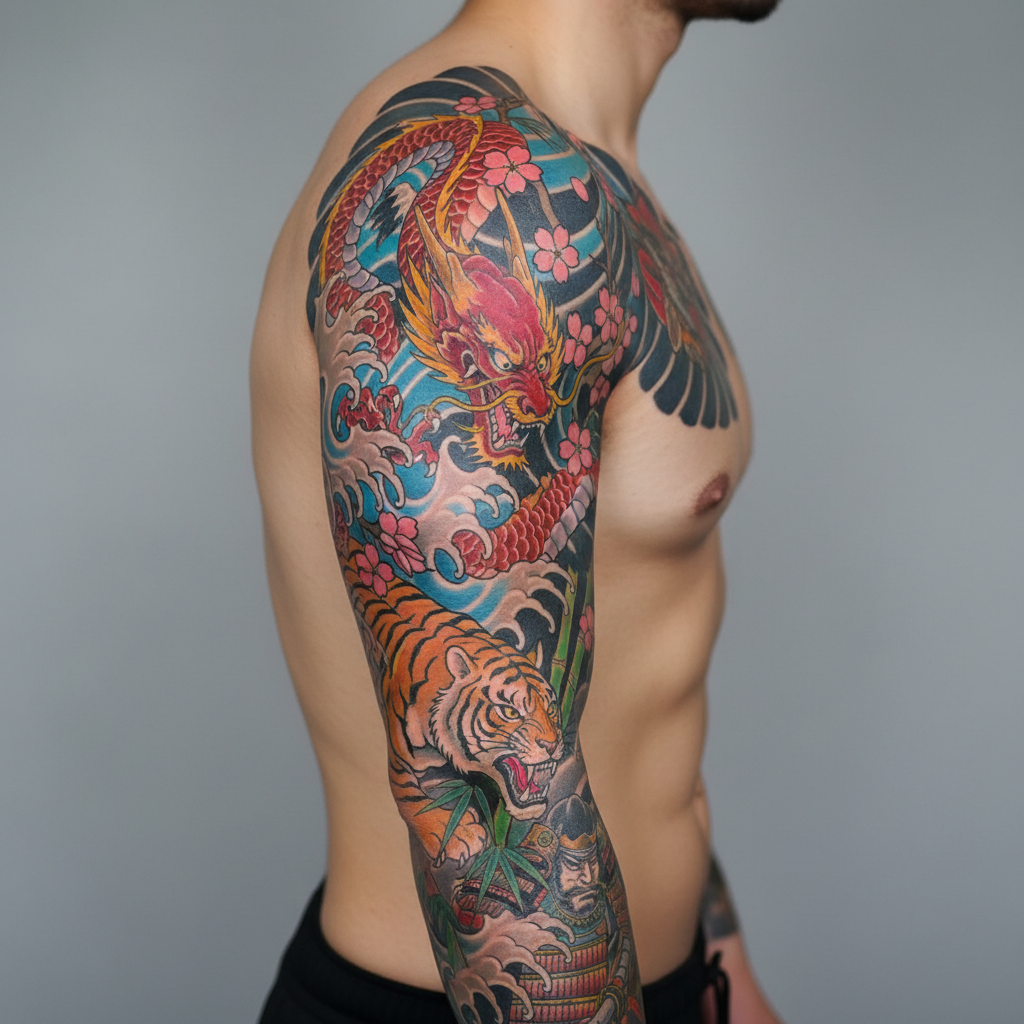
Effective: Cohesive Sleeve

A cohesive background (or negative space) turns separate tattoos into a single piece of art, whereas random placement creates visual noise.

Made byBobr AI

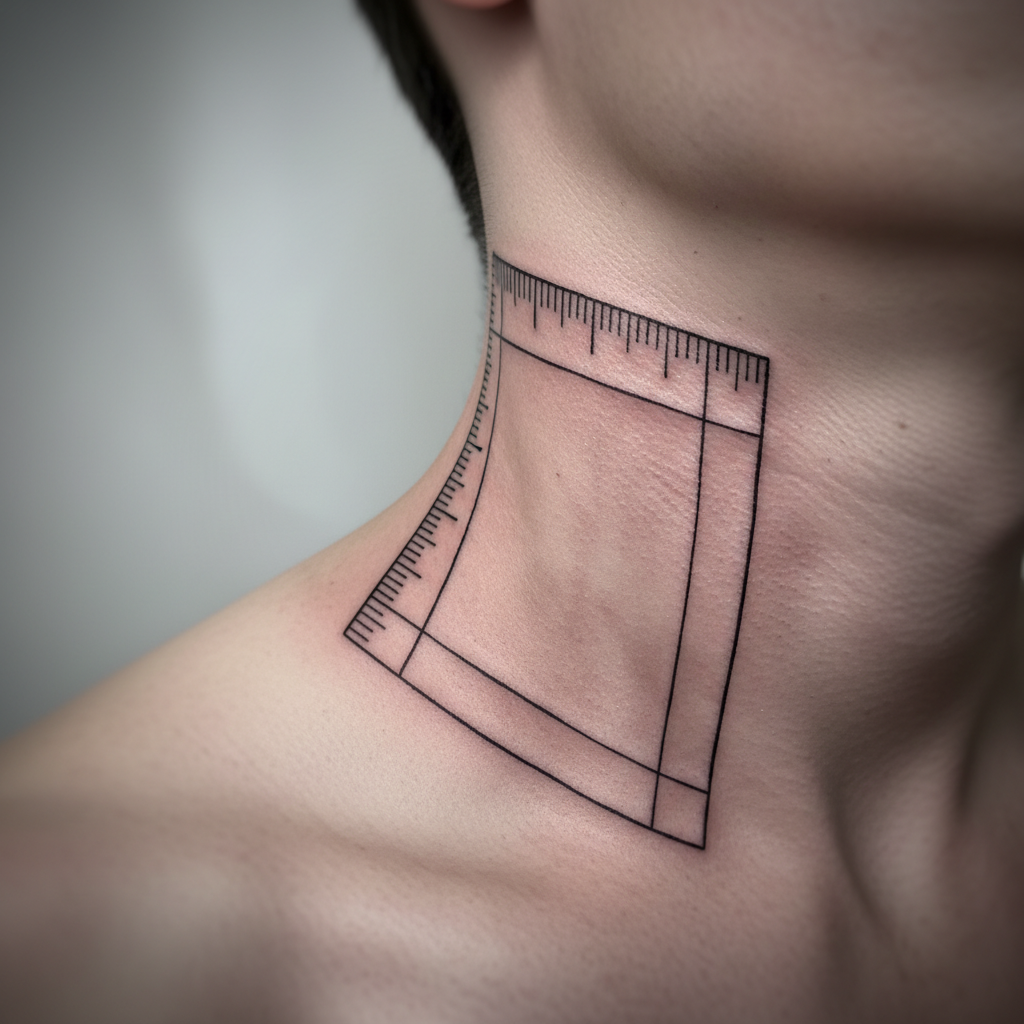
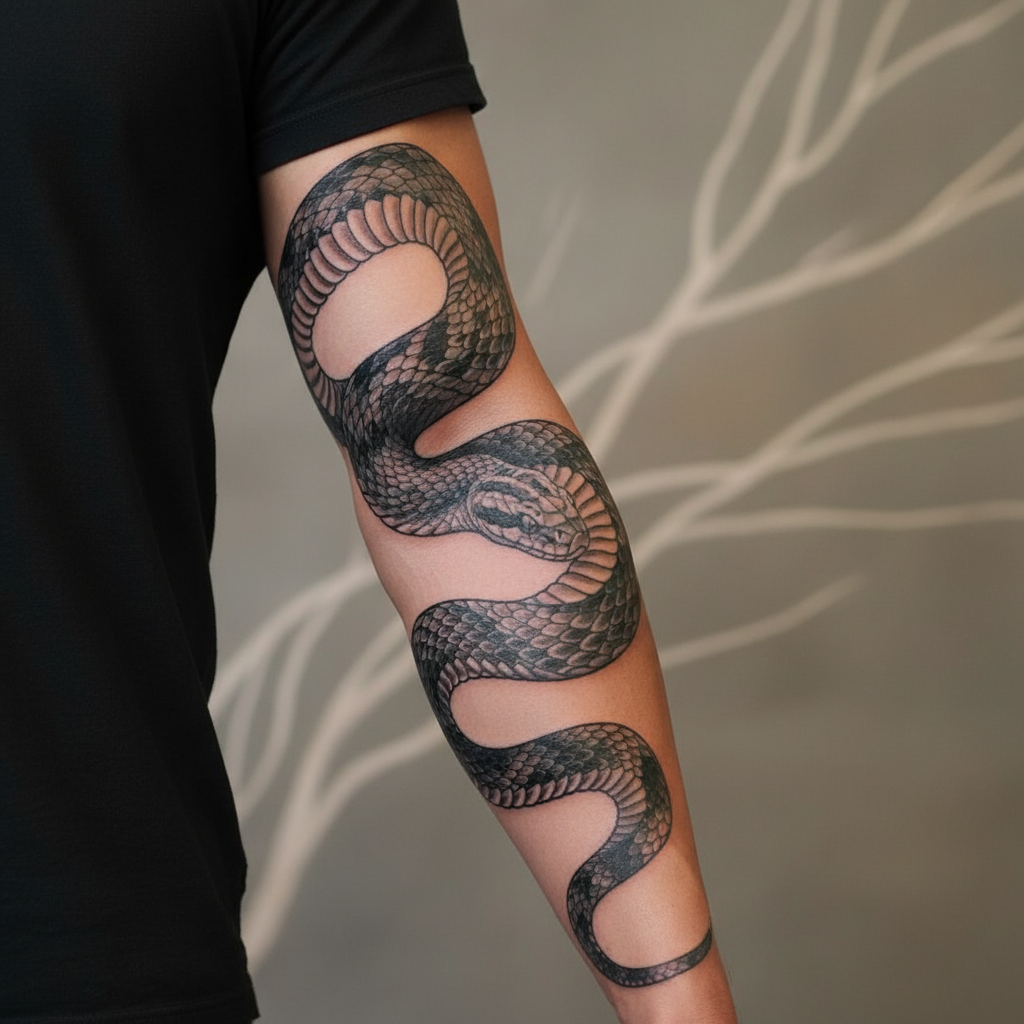
5. Body Rhythm

Ineffective: Static/Stiff
Effective: Anatomical Flow

Good tattoos flow with the body's anatomy. Static straight lines often fight against the natural curves and movement of the skin.

Made byBobr AI
Bobr AI

DESIGNER-MADE
PRESENTATION,
GENERATED FROM
YOUR PROMPT

Create your own professional slide deck with real images, data charts, and unique design in under a minute.

Generate For Free

Design Principles: Good vs. Bad Visual Composition Guide

Learn essential design principles like balance, visual weight, and rhythm with a visual comparison of effective vs. ineffective tattoo art and layouts.

Design Principles: Good vs. Bad

A Visual Comparison of Balance, Weight, Color, Texture, and Rhythm

Why Composition Matters

Visual composition determines how a viewer interprets a design. It guides the eye, creates emphasis, and evokes emotion. By comparing ineffective execution with effective application, we can understand the subtle forces that make a design work.

1. Balance

Ineffective: Unstable

Effective: Equilibrium

Balance provides stability and structure to a design. It balances the visual weight of elements to ensure the layout doesn't feel like it is 'tipping' to one side.

2. Visual Weight

Ineffective: Lost Subject

Effective: Clear Anchor

Visual weight refers to the perceived 'heaviness' of an element. Large, high-contrast, or dark elements attract the eye more than small, low-contrast ones.

Principles of Hierarchy

Scale: Larger elements are perceived as more important.

Color: Bright or contrasting colors draw attention first.

Isolation: Elements surrounded by negative space stand out.

3. Color & Size

Ineffective: Clutter & Clash

Effective: Harmony & Scale

Color should create mood and focus, not confusion. Size establishes hierarchy. When everything is the same size and loud color, nothing stands out.

4. Quantity & Texture

Ineffective: Noise

Effective: Curated

More is not always better. Too many objects or conflicting textures create visual noise (clutter). A curated quantity with complementary textures feels sophisticated.

5. Rhythm

Ineffective: Staccato/Chaos

Effective: Flowing

Rhythm creates a path for the viewer's eye. Good rhythm uses repetition and variation to lead the eye through the design comfortably.

Design is the silent ambassador of your brand.

Paul Rand

Summary & Key Takeaways

Seek Equilibrium: Avoid 'heavy' sides in your layout.

Control Focus: Use size and color to dictate where the eye looks first.

Reduce Noise: Minimize texture and quantity to increase impact.

Establish Flow: Use rhythm to guide the viewer through the content.

Applying Principles to Tattoo Art

Tattooing is a unique medium where the canvas moves and ages. Let's revisit the design principles to see how they apply specifically to ink on skin.

1. Tattoo Balance

Ineffective: Unbalanced

Effective: Symmetrical Flow

In body art, balance respects the natural symmetry. An unbalanced tattoo can make the body look lopsided or awkward.

2. Visual Weight in Ink

Ineffective: Weak Presence

Effective: Strong Anchor

Tattoos need enough visual weight to hold their placement. Too light, and it looks like a blemish; bold placement anchors the design.

3. Color & Readability

Ineffective: Muddy

Effective: Bold Contrast

Skin isn't white paper. Designs need high contrast and bold size to remain readable as the ink settles and the skin ages.

4. Quantity & Flow

Ineffective: Patchwork Chaos

Effective: Cohesive Sleeve

A cohesive background (or negative space) turns separate tattoos into a single piece of art, whereas random placement creates visual noise.

5. Body Rhythm

Ineffective: Static/Stiff

Effective: Anatomical Flow

Good tattoos flow with the body's anatomy. Static straight lines often fight against the natural curves and movement of the skin.

  • design-principles
  • visual-composition
  • tattoo-art-design
  • graphic-design-basics
  • art-theory
  • balance-in-design
  • visual-hierarchy