


Office Ergonomics: Guide to Health and Productivity
Master office ergonomics to prevent injury and boost productivity. Learn about neutral posture, chair adjustments, and the 20-20-20 rule for eye health.
Office Ergonomics Mastery
Optimizing Health, Safety, and Performance
Corporate Health & Safety | January 2026
The Business Case: Why Ergonomics Matters
Implementing ergonomic interventions directly correlates to reduced costs and increased output. Data represents average improvements post-implementation.
What is Ergonomics?
Ergonomics is the science of designing the job to fit the worker, rather than forcing the worker's body to fit the job.
The Opportunity: By adapting the environment, we minimize physical stress and eliminate the causes of work-related musculoskeletal disorders (MSDs), enhancing cognitive focus and stamina.
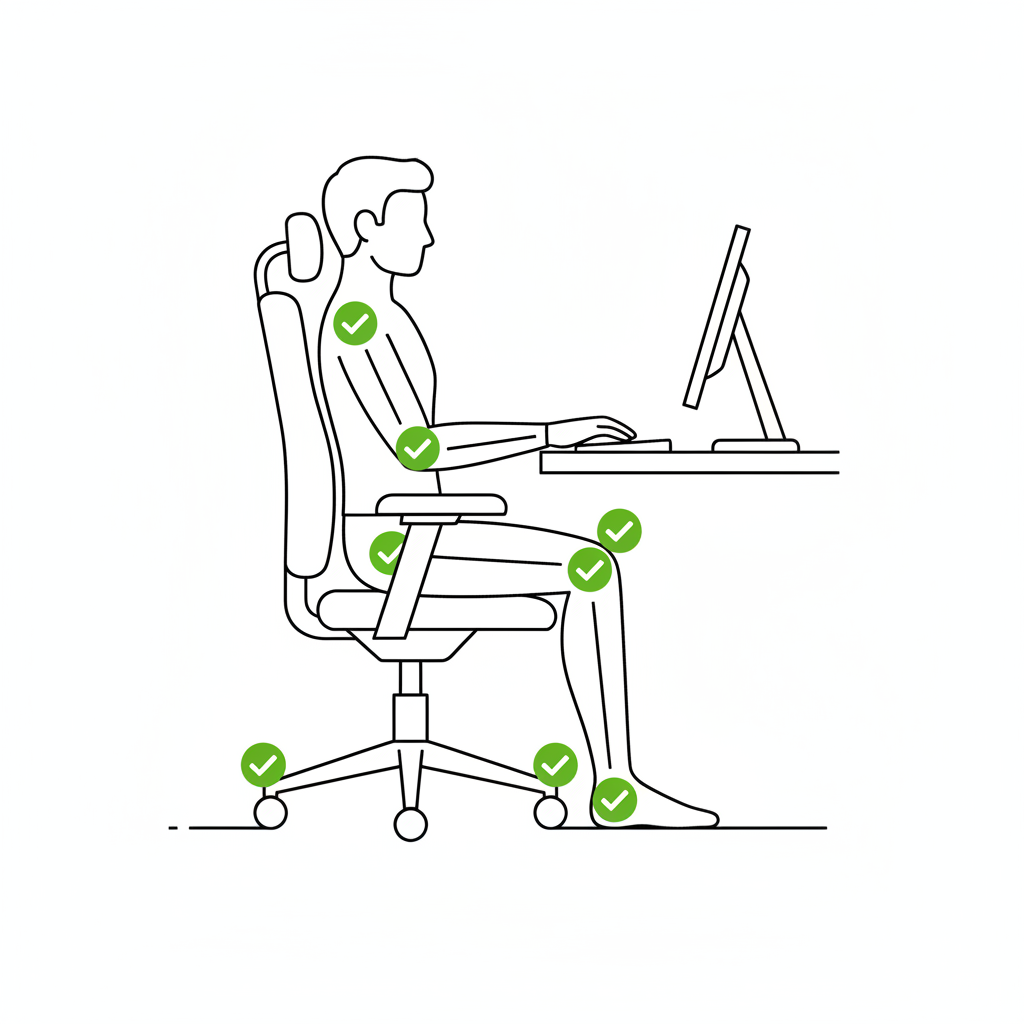
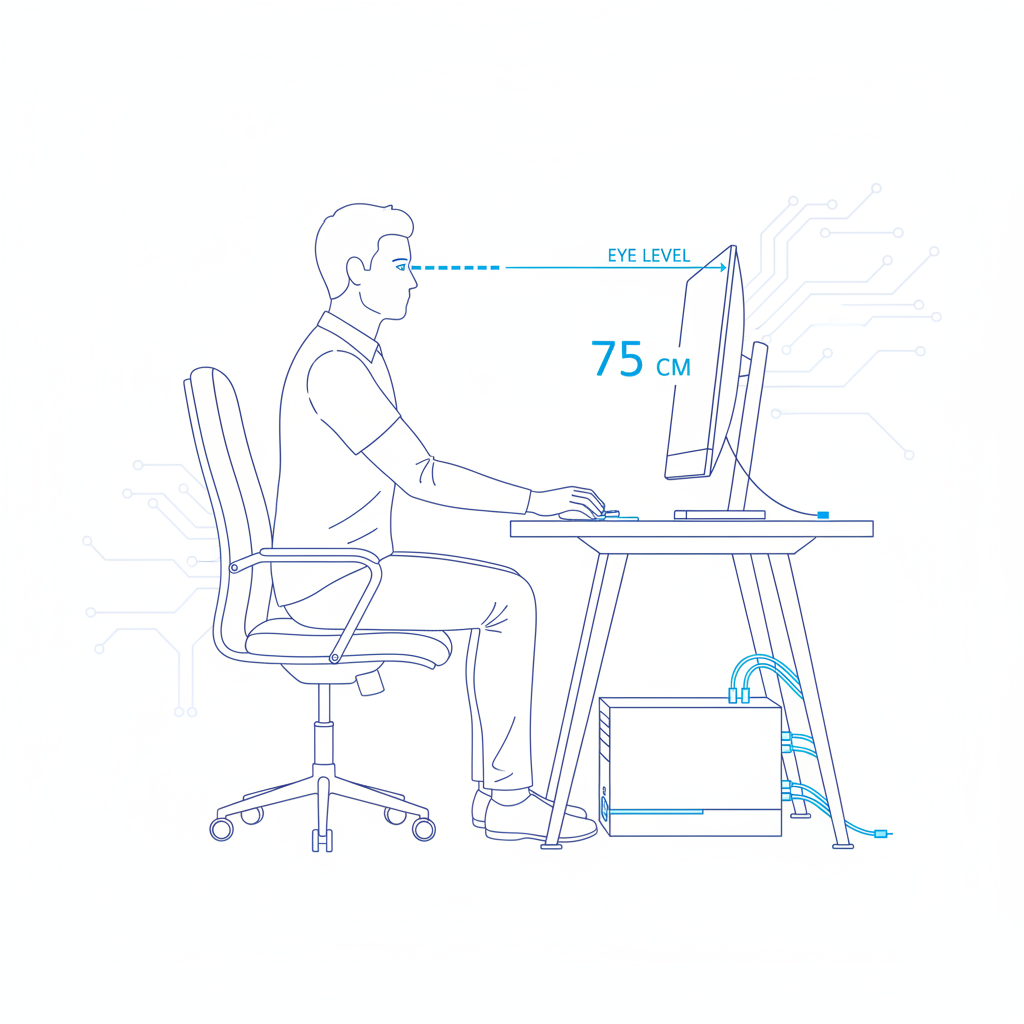
The Neutral Posture
Neck aligned, not thrust forward.
Shoulders relaxed, not hunched.
Elbows close to body (90-110 degrees).
Feet flat on the floor or a footrest.
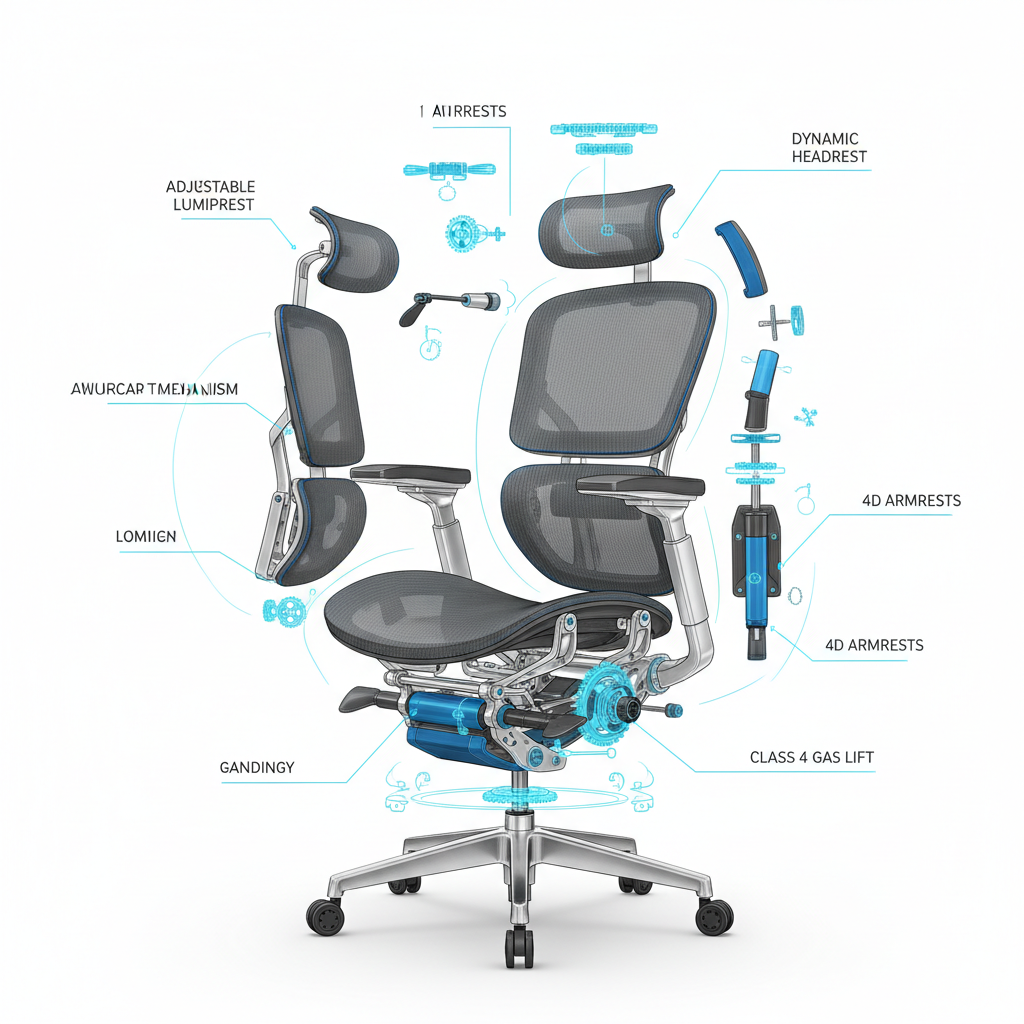
Chair Adjustments Explained
Height: Hips should be slightly higher than knees.
Lumbar Support: Must fit the natural curve of your lower back.
Seat Pan Depth: 2-3 inches of space between seat edge and back of knees.
Monitor & Input Device Placement
Correct placement prevents eye strain and neck torque.
Top of the monitor at or slightly below eye level.
Distance: About an arm's length (20-30 inches).
Keyboard & mouse on same level; straight wrists.
Digital Eye Strain: The 20-20-20 Rule
To prevent fatigue and headaches, reset your focus regularly.
Every 20 Minutes
Look 20 Feet Away
For 20 Seconds
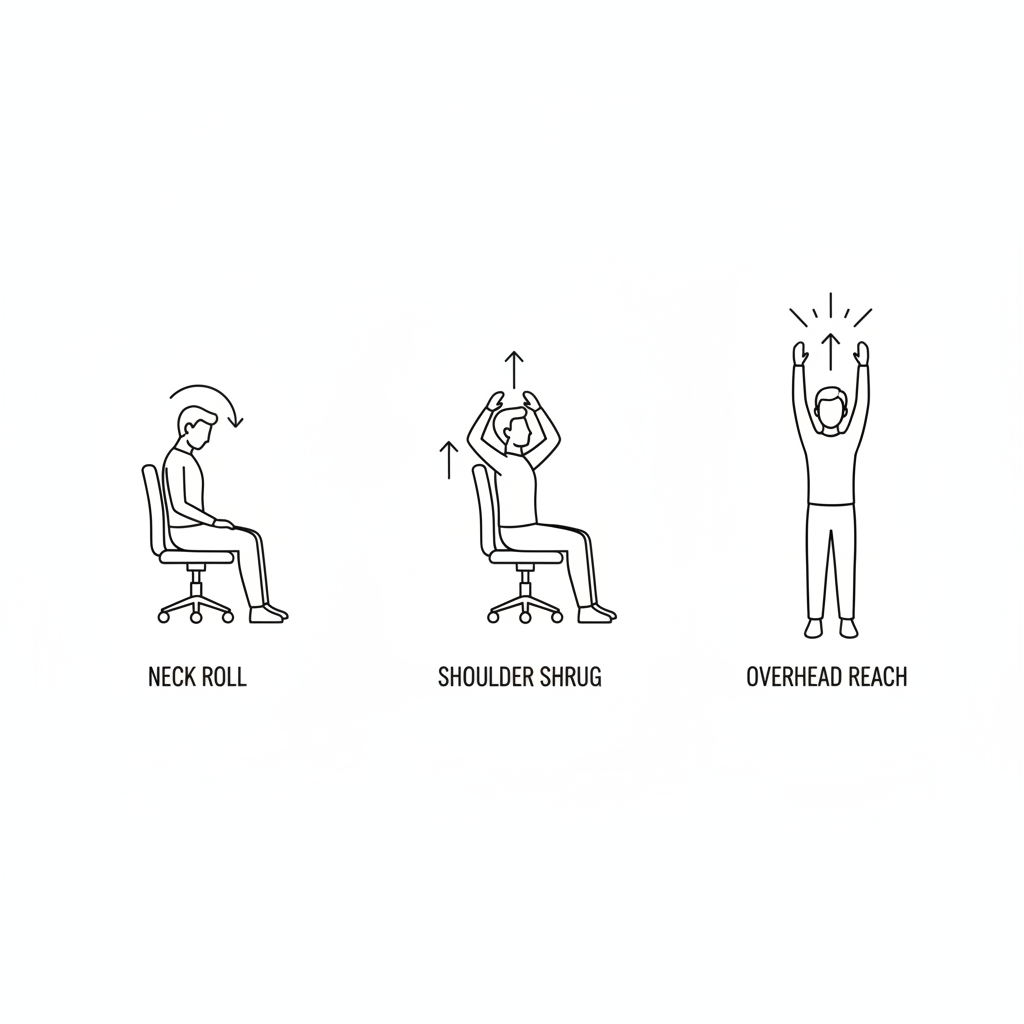
Micro-breaks & Mobility
"The best posture is your next posture."
Stand up during phone calls.
Adjust standing desk (if available) every hour.
Simple stretches: Neck rolls, shoulder shrugs, wrist extensions.
Hybrid & Remote Work Ergonomics
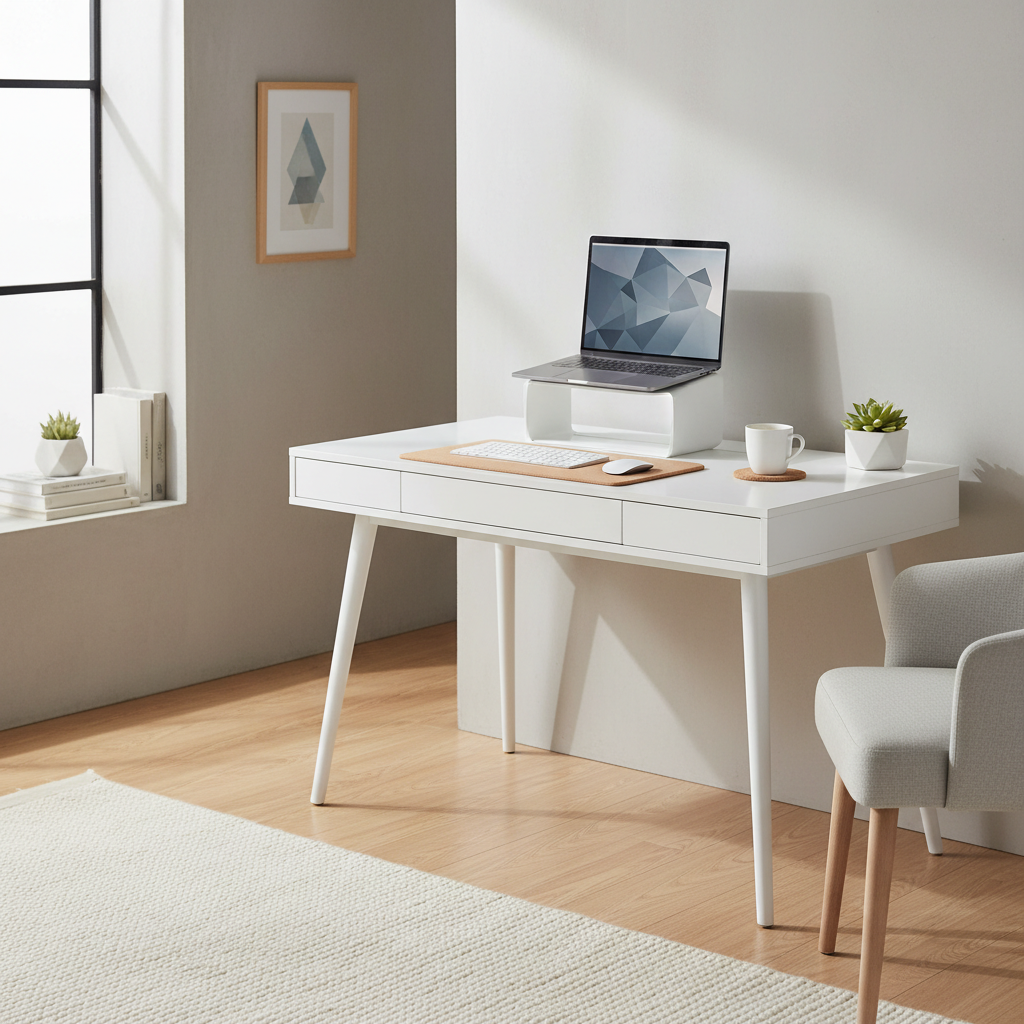
Home offices often lack standardized equipment. Adaptability is key.
Laptop Use: Always use an external keyboard and mouse.
Height Fix: Use books or a stand to raise the screen to eye level.
Seating: If using a kitchen chair, add a cushion for lumbar support.
Warning Signs & Action Plan
Early intervention prevents chronic injury.
Numbness or tingling in fingers, Burning sensation, Persistent stiffness, Loss of grip strength
Report immediately to HR or Health & Safety. Do not wait for pain to become severe.
Training Recap & Commitment
Neutral Posture is the foundation of safety.
Adjust your Chair & Screens to fit you.
Move often: The 20-20-20 rule saves your eyes.
Comfort equals Productivity. Set up your workspace today.
- ergonomics
- workplace-safety
- office-health
- productivity-tips
- posture-advice
- remote-work
- eye-strain