




Photoshop for Tattoo Design: Essential Canvas Setup Guide
Learn the best Photoshop settings for tattoo stencils and digital design, including resolution (300 PPI), color modes, and canvas sizes.
Photoshop Setup: New Document
Essential guide for Tattoo Artists & Apprentices
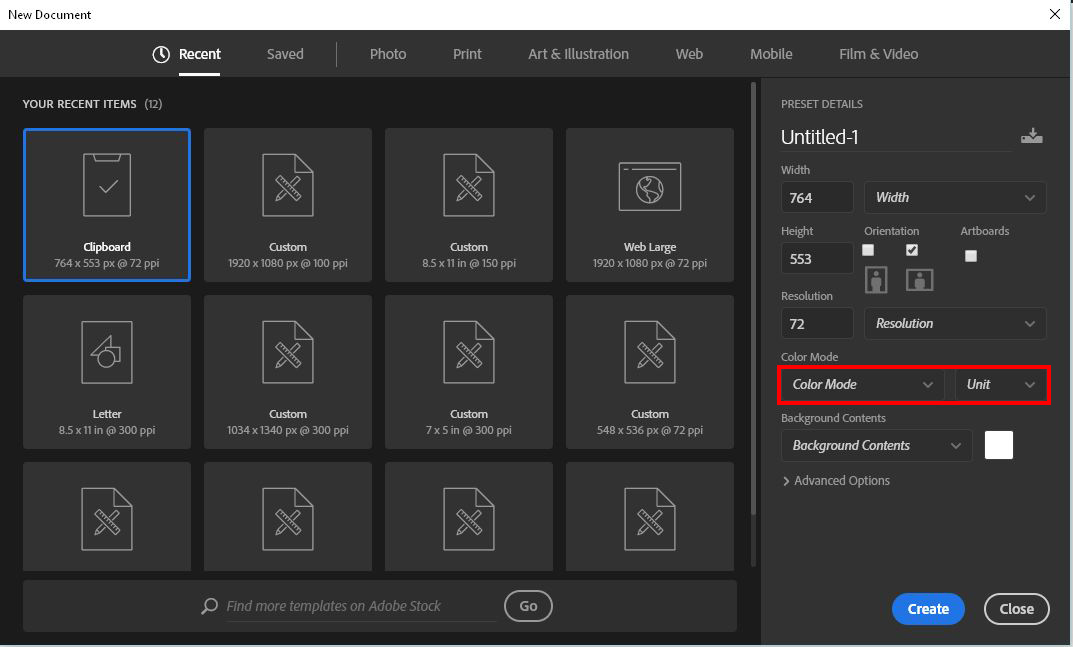
What is the ‘New Document’ Window?
This critical initial step determines your canvas size, print quality, and color accuracy. Incorrect settings here lead to pixelated designs and poor stencil transfers.
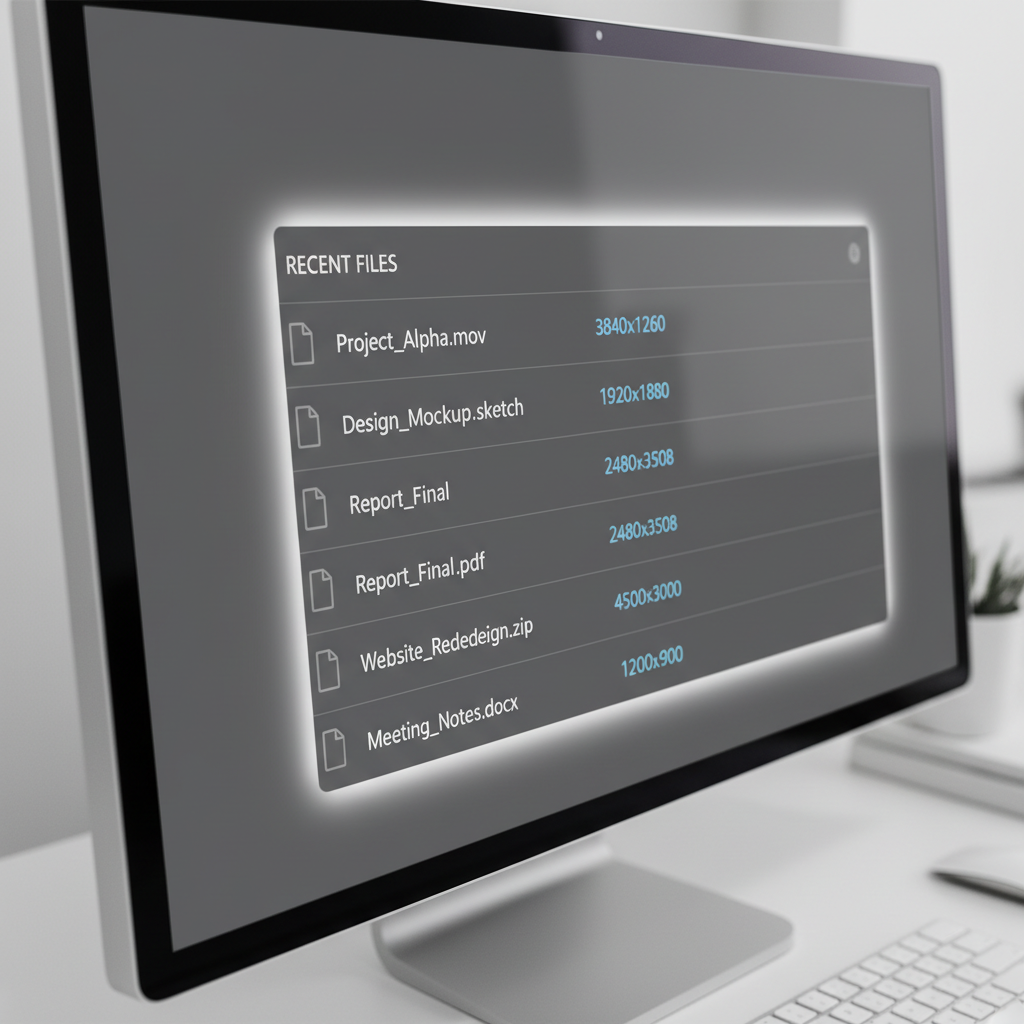
Presets & Recent Files
Efficiency: The 'Recent' section saves previous dimensions.
Consistency: Helps maintain uniform quality across flash sheets.
Great for: Tattoo designs, stencils, and client previews.
Common Tattoo Canvas Sizes
Always use Inches. Larger canvases provide better detail control.
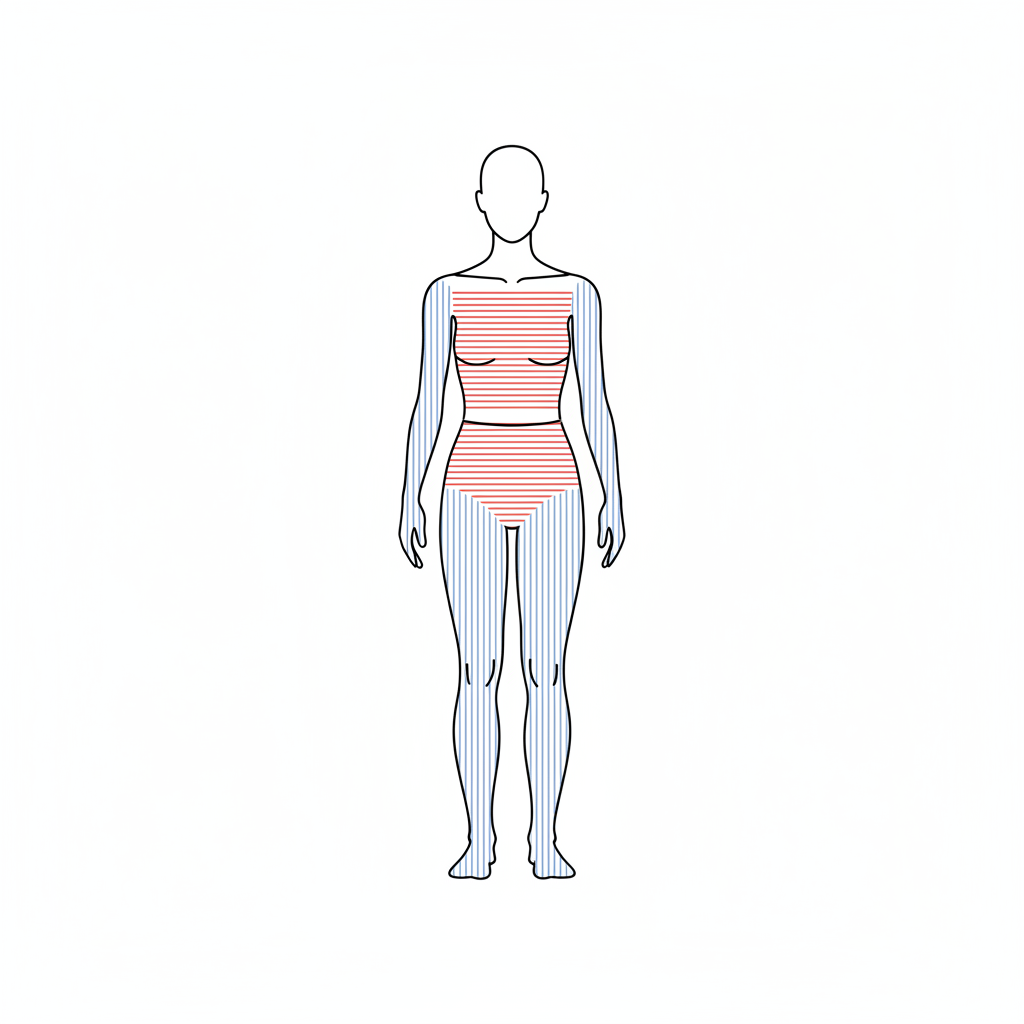
Orientation Strategy
Portrait
Best for vertical placements: Arms, Legs, Forearms.
Landscape
Best for horizontal placements: Chest pieces, Upper Back.
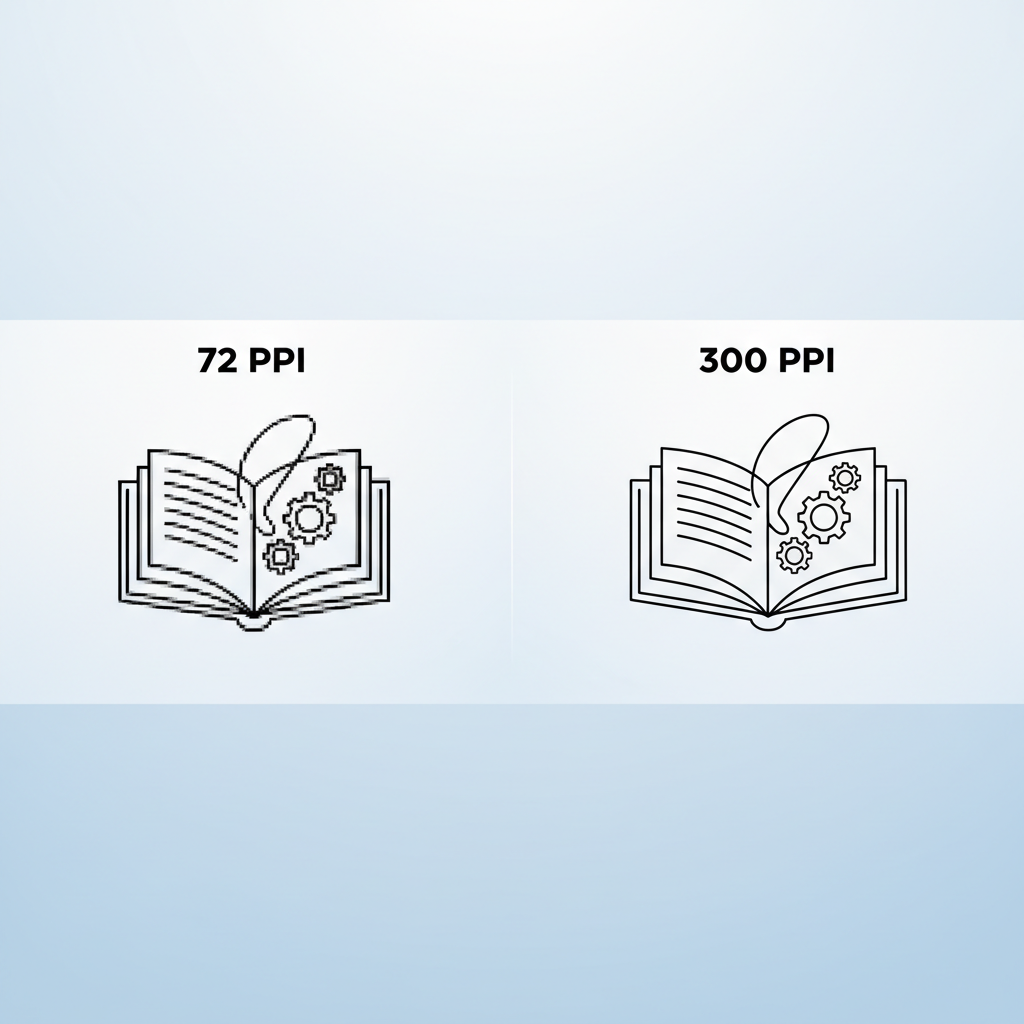
Resolution: 300 PPI
The most important setting for professional output.
• Sharp Details<br>• Clean Stencils<br>• Professional Print Quality
Color Mode Settings
Select: RGB Color – 8 bit
RGB is the standard for digital designing, client previews via screens, and social media. Only switch to CMYK if a specific print shop requests it.
Background Contents
White
Best for standard drawing, shading, and line work. Standard for beginners.
Transparent
Essential for compositing mockups where you need to overlay the tattoo on a photo of a client.
Advanced Options
Do not alter these unless you fully understand the implications.
Color Profile: sRGB IEC61966-2.1
Ensures consistent colors across phones, tablets, and monitors.
Pixel Aspect Ratio: Square Pixels
Prevents design distortion.
Final Checklist
Verify before clicking 'Create'
Units: Inches
Resolution: 300 PPI
Color Mode: RGB
Background: White
Important Rule
A professional tattoo design always starts with correct canvas settings.
Incorrect settings waste time and reduce final quality.
- photoshop-tutorial
- tattoo-design
- digital-art
- tattoo-stencil
- graphic-design-basics
- tattoo-artist-tools