








Made byBobr AI

DBMS Fundamentals for Class 10: Complete Introduction Guide

Learn the basics of Database Management Systems (DBMS), including data types, RDBMS, Primary Keys, and MySQL, tailored for Class 10 curriculum.

#dbms-tutorial#class-10-computer-science#database-management#sql-basics#rdbms#primary-key#computer-education
Watch
Pitch

Database Management System

An Introduction for Class 10

Name: Piyush Kumar | Roll No: 33 | Class: 10 A

Made byBobr AI

What is Data?

Data refers to raw facts, figures, and details that have no context on their own.

Example: '25', 'Rohan', 'Class 10'

By itself, '25' is just a number. It creates meaning only when processed (e.g., 'Age: 25').

Made byBobr AI

What is a Database?

A structured collection of data organized for easy access, management, and updates.

💡 Think of it like a school register or a library catalog.

Made byBobr AI

What is a DBMS?

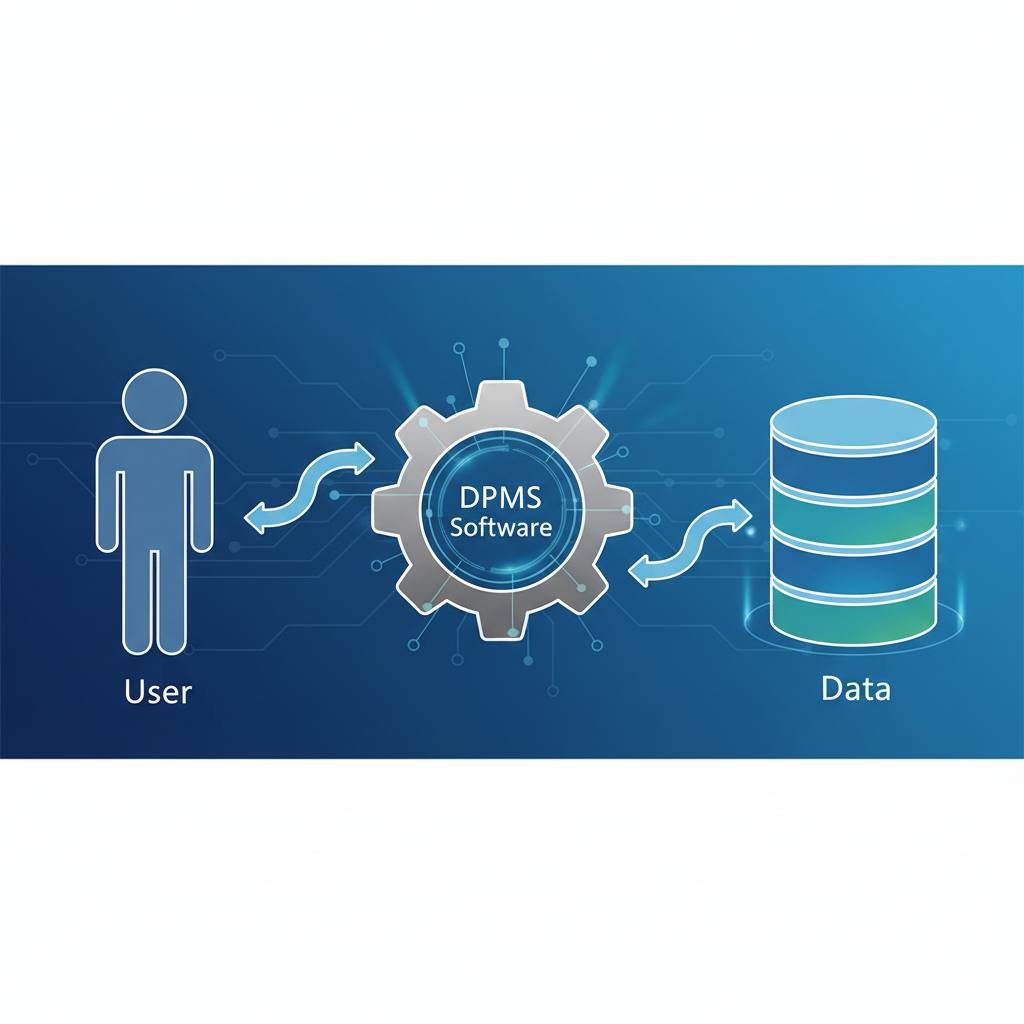
DBMS (Database Management System) is software that acts as an interface between the user and the database.

Creation

Design and build databases.

Manipulation

Insert, update, and delete data.

Made byBobr AI

Traditional File System

  • ❌ Data Redundancy (Duplicates)
  • ❌ Data Inconsistency
  • ❌ Low Security

Modern DBMS

  • ✅ No Redundancy (Centralized)
  • ✅ Data Consistency Ensured
  • ✅ High Security & Permissions
Made byBobr AI

Advantages of DBMS

Reduces Data Redundancy

Enforces Data Integrity

Facilitates Data Sharing

Improves Data Security

Made byBobr AI

Components of DBMS

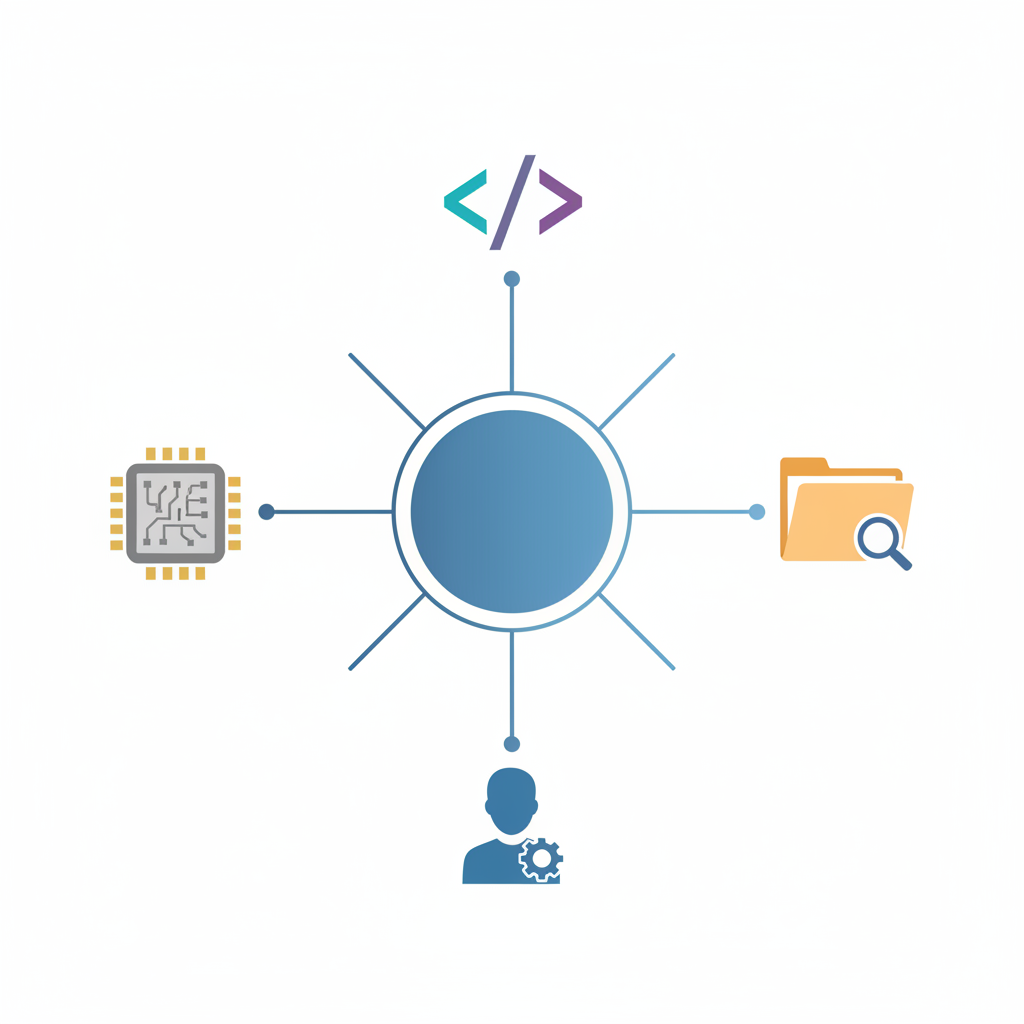
🖥️ Hardware: Physical devices (HDD, servers).
💾 Software: The DBMS program (e.g., MySQL).
📂 Data: The actual information stored.
👥 Users: People who access the data.
Made byBobr AI

Types of Database Users

Database Administrator (DBA)

Oversees the entire database, manages security & backups.

End Users

People who use the database to query, update, or generate reports.

Made byBobr AI

What is RDBMS?

Relational Database Management System

It stores data in related TABLES (Rows and Columns).

Relationships can be established between these tables to link data.

Made byBobr AI

Structure of a Table

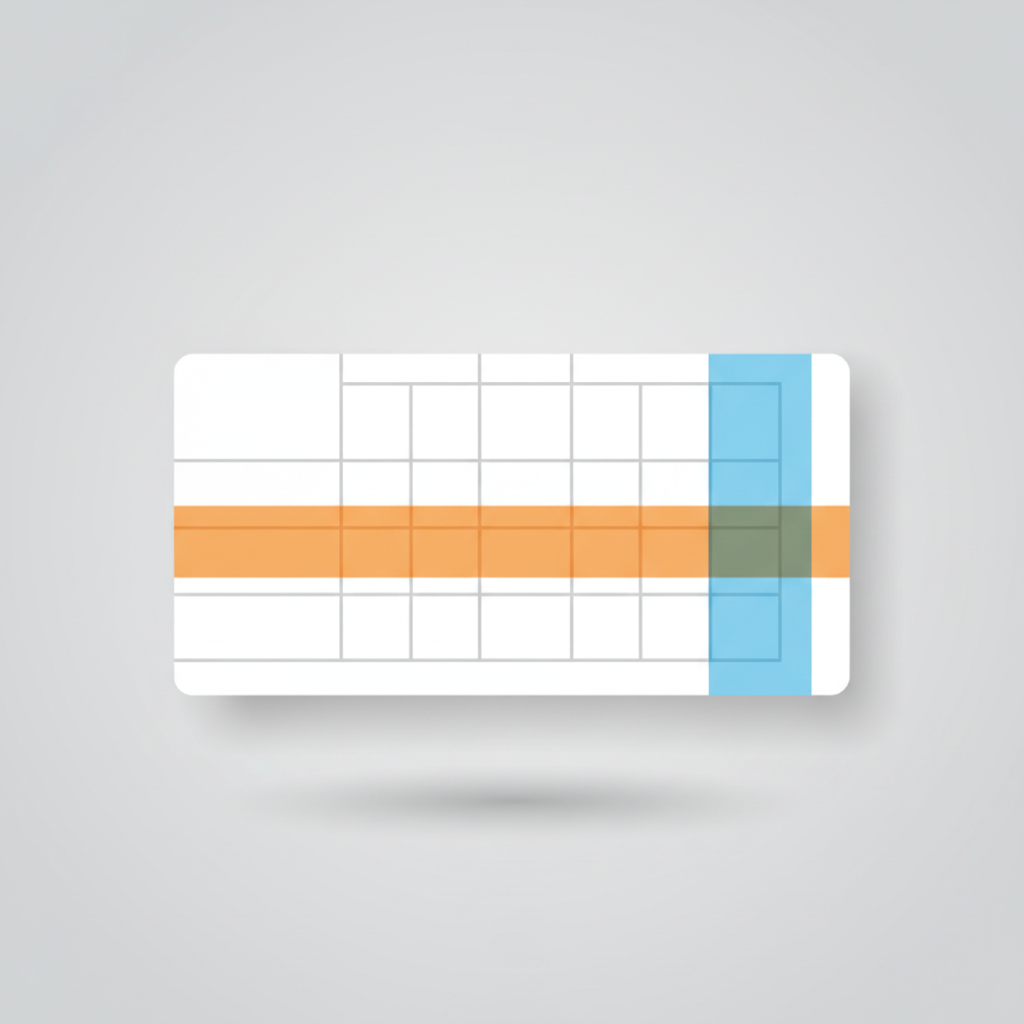
Table (Relation)

The entire grid storing specific type of data.

Row (Record/Tuple)

A single entry containing all info for one item (Horizontal).

Column (Field/Attribute)

A specific category of information (Vertical).

Made byBobr AI

🔑 Primary Key

A Primary Key is a field that UNIQUELY identifies each record in a table.

  • Values cannot be duplicate.
  • Values cannot be NULL (empty).

Example: Roll Number in a class register (Two students can have the name 'Rahul', but not the same Roll No).

Made byBobr AI

Popular DBMS Software

MySQL (Open Source)
Oracle Database
Microsoft SQL Server
Microsoft Access (For beginners)
Made byBobr AI

Thank You!

Made byBobr AI
Bobr AI

DESIGNER-MADE
PRESENTATION,
GENERATED FROM
YOUR PROMPT

Create your own professional slide deck with real images, data charts, and unique design in under a minute.

Generate For Free

DBMS Fundamentals for Class 10: Complete Introduction Guide

Learn the basics of Database Management Systems (DBMS), including data types, RDBMS, Primary Keys, and MySQL, tailored for Class 10 curriculum.

Database Management System

An Introduction for Class 10

Name: Piyush Kumar | Roll No: 33 | Class: 10 A

What is Data?

Data refers to raw facts, figures, and details that have no context on their own.

Example: '25', 'Rohan', 'Class 10'

By itself, '25' is just a number. It creates meaning only when processed (e.g., 'Age: 25').

What is a Database?

A structured collection of data organized for easy access, management, and updates.

Think of it like a school register or a library catalog.

What is a DBMS?

DBMS (Database Management System) is software that acts as an interface between the user and the database.

Creation

Design and build databases.

Manipulation

Insert, update, and delete data.

File System vs. DBMS

Traditional File System

Data Redundancy (Duplicates)

Data Inconsistency

Low Security

Modern DBMS

No Redundancy (Centralized)

Data Consistency Ensured

High Security & Permissions

Advantages of DBMS

Reduces Data Redundancy

Enforces Data Integrity

Facilitates Data Sharing

Improves Data Security

Components of DBMS

Hardware: Physical devices (HDD, servers).

Software: The DBMS program (e.g., MySQL).

Data: The actual information stored.

Users: People who access the data.

Types of Database Users

Database Administrator (DBA)

Oversees the entire database, manages security & backups.

End Users

People who use the database to query, update, or generate reports.

What is RDBMS?

Relational Database Management System

It stores data in related TABLES (Rows and Columns).

Relationships can be established between these tables to link data.

Structure of a Table

Table (Relation)

The entire grid storing specific type of data.

Row (Record/Tuple)

A single entry containing all info for one item (Horizontal).

Column (Field/Attribute)

A specific category of information (Vertical).

Primary Key

A Primary Key is a field that UNIQUELY identifies each record in a table.

Values cannot be duplicate.

Values cannot be NULL (empty).

Example: Roll Number in a class register (Two students can have the name 'Rahul', but not the same Roll No).

Popular DBMS Software

MySQL (Open Source)

Oracle Database

Microsoft SQL Server

Microsoft Access (For beginners)

Thank You!

Any Questions?

  • dbms-tutorial
  • class-10-computer-science
  • database-management
  • sql-basics
  • rdbms
  • primary-key
  • computer-education