







Made byBobr AI

Introduction to DBMS: Class 10 Computer Science Guide

Learn the basics of Database Management Systems (DBMS), including SQL, Primary Keys, Foreign Keys, and real-world database applications for students.

#dbms#computer-science#sql#database-management#education#class-10#relational-database
Watch
Pitch

Introduction to DBMS

Database Management Computers - Class 10 Computer Science

Futuristic 3D illustration of glowing blue cubes organized neatly on a server rack, representing data management, high tech, clean digital art
Made byBobr AI

Data vs. Information

Data: Raw, unorganized facts and figures. Example: '100', 'John', '95'.


Information: Processed data that conveys meaning. Example: 'John scored 95 marks.'

Minimalist illustration showing scattered puzzle pieces on the left and a completed puzzle picture on the right, symbolizing data becoming information, soft colors
Made byBobr AI
3D render of a glowing digital library with floating files, organized structure, cyan and white lighting

What is a Database?

A database is an organized collection of data, generally stored and accessed electronically from a computer system.
Analogy: Think of it like a digital filing cabinet where files are kept in specific drawers (tables) and folders (records) so you can find them easily.
Made byBobr AI

What is a DBMS?

Database Management System

DBMS is the software that interacts with end-users, applications, and the database itself to capture and analyze the data.

Popular Software: MySQL, Microsoft Access, Oracle, PostgreSQL

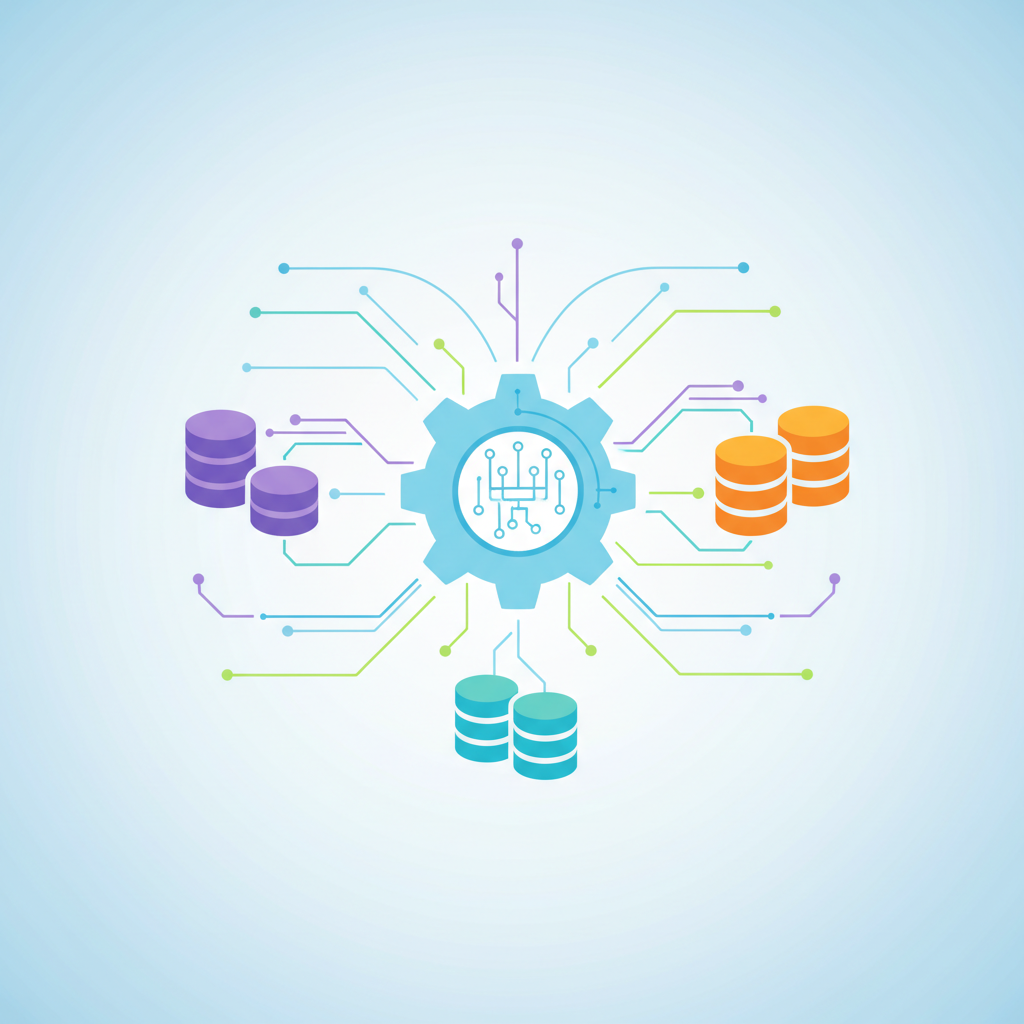
Abstract representation of software icons (database cylinders) connecting to a central computer gear, flat vector art style
Made byBobr AI

Advantages of Using DBMS

  • Reduced Data Redundancy: Prevents duplicate data from being stored in multiple places.
  • Data Consistency: Ensures that data is the same across all views.
  • Data Security: Only authorized users can access specific data.
A digital blue shield with a lock, protecting a network of glowing nodes, symbolizing cyber security, clean background
Made byBobr AI

Elements of a Table

FIELD

Field (Column): A specific piece of information (e.g., Name, Age).

RECORD

Record (Row): A collection of fields related to one entity. (e.g., All details of Student A).

Isometric view of a spreadsheet-like database table floating in the air, with rows and columns highlighted in neon blue
Made byBobr AI

Primary Key

A Primary Key is a unique field that identifies every record in a table distinctively.

Examples: • Admission Number (School) • Aadhar Number (Identity) • Product ID (Shop)
A golden key glowing in the center of a digital circuit board, representing uniqueness and access
Made byBobr AI

Foreign Key

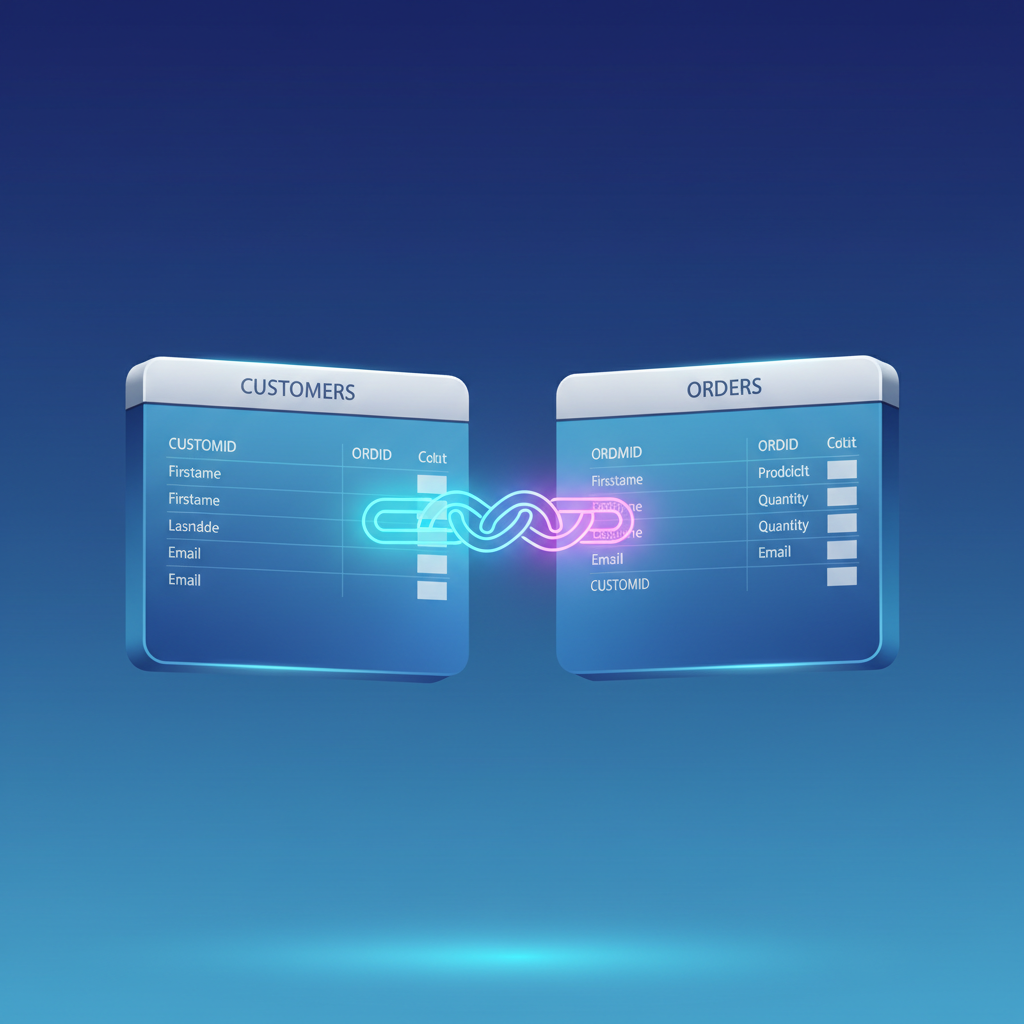
A Foreign Key is a column or group of columns in a database table that provides a link between data in two tables. It refers to the Primary Key of another table.

Examples: • Student_ID in 'Marks' table linking to 'Student' table • Dept_ID in 'Employees' table linking to 'Departments' table
Two database tables connected by a glowing chain link or bridge, showing the relationship between data fields, clean vector style
Made byBobr AI

Primary Key vs Foreign Key

Primary Key

  • Uniquely identifies a record
  • Cannot contain NULL values
  • Only one per table
  • Parent table reference

Foreign Key

  • Links to a Primary Key
  • Can vary and contain NULLs
  • Can contain duplicate values
  • Multiple allowed per table
Made byBobr AI

SQL: Structured Query Language

SQL is the standard language used to communicate with databases. It allows you to create, access, and manipulate data.

SELECT * FROM Students WHERE Grade = 10 ORDER BY Name;

A computer screen displaying colorful code syntax on a dark background, matrix style digital rain in background
Made byBobr AI

Popular Databases Used Globally

Top DBMS engines based on developer usage. These are the systems powering the apps you use every day.

Chart
Made byBobr AI

Real World Applications

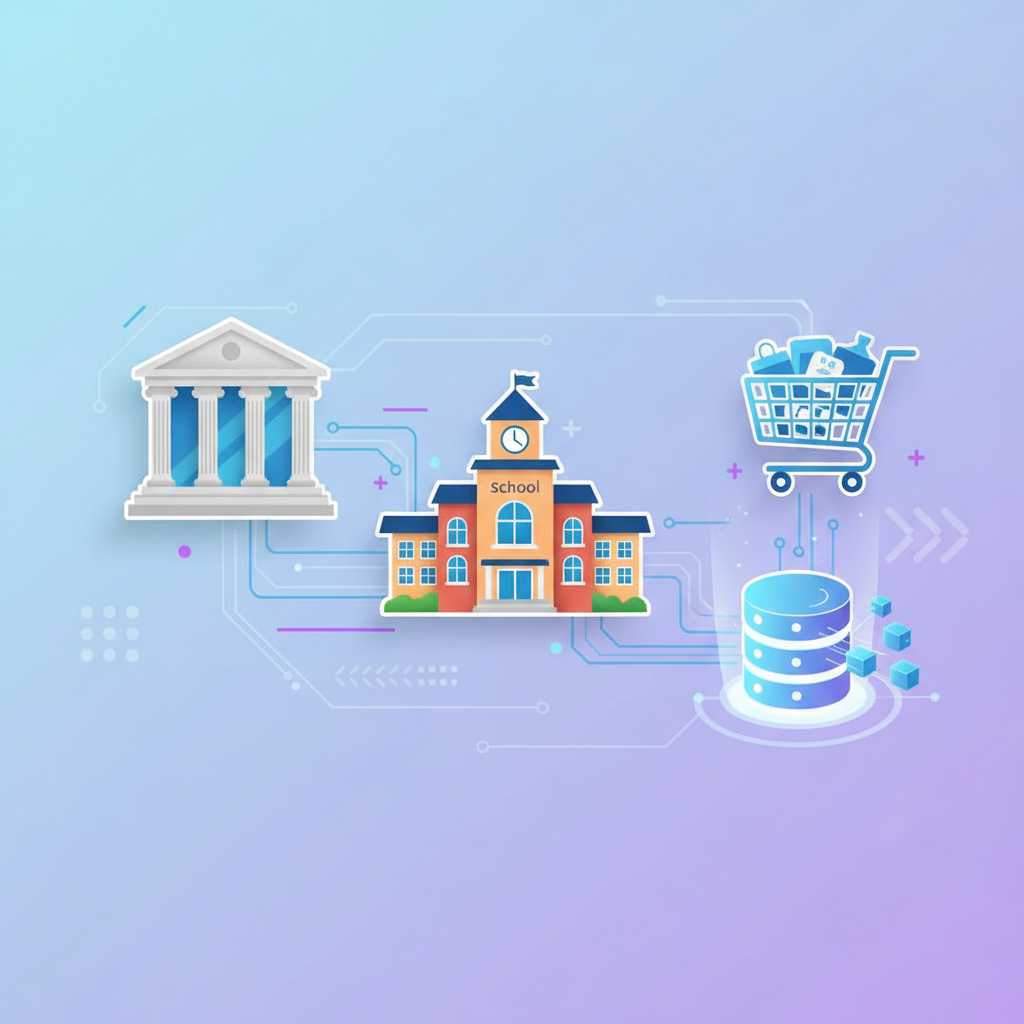
1. Banking: Tracking transactions and account balances. 2. Schools: Managing student records and grades. 3. Social Media: Storing profiles, posts, and friends. 4. E-Commerce: Inventory and orders.

Collage illustration of a bank building, a school, and a shopping cart connected by digital lines to a database symbol
Made byBobr AI
Bobr AI

DESIGNER-MADE
PRESENTATION,
GENERATED FROM
YOUR PROMPT

Create your own professional slide deck with real images, data charts, and unique design in under a minute.

Generate For Free

Introduction to DBMS: Class 10 Computer Science Guide

Learn the basics of Database Management Systems (DBMS), including SQL, Primary Keys, Foreign Keys, and real-world database applications for students.

Introduction to DBMS

Database Management Computers - Class 10 Computer Science

Data vs. Information

Data: Raw, unorganized facts and figures. Example: '100', 'John', '95'.

Information: Processed data that conveys meaning. Example: 'John scored 95 marks.'

What is a Database?

A database is an organized collection of data, generally stored and accessed electronically from a computer system.

Think of it like a digital filing cabinet where files are kept in specific drawers (tables) and folders (records) so you can find them easily.

What is a DBMS?

Database Management System

DBMS is the software that interacts with end-users, applications, and the database itself to capture and analyze the data.

Popular Software: MySQL, Microsoft Access, Oracle, PostgreSQL

Advantages of Using DBMS

Reduced Data Redundancy: Prevents duplicate data from being stored in multiple places.

Data Consistency: Ensures that data is the same across all views.

Data Security: Only authorized users can access specific data.

Elements of a Table

Field (Column): A specific piece of information (e.g., Name, Age).

Record (Row): A collection of fields related to one entity. (e.g., All details of Student A).

Primary Key

A Primary Key is a unique field that identifies every record in a table distinctively.

• Admission Number (School) • Aadhar Number (Identity) • Product ID (Shop)

Foreign Key

A Foreign Key is a column or group of columns in a database table that provides a link between data in two tables. It refers to the Primary Key of another table.

• Student_ID in 'Marks' table linking to 'Student' table • Dept_ID in 'Employees' table linking to 'Departments' table

Primary Key vs Foreign Key

<ul><li>Uniquely identifies a record</li><li>Cannot contain NULL values</li><li>Only one per table</li><li>Parent table reference</li></ul>

<ul><li>Links to a Primary Key</li><li>Can vary and contain NULLs</li><li>Can contain duplicate values</li><li>Multiple allowed per table</li></ul>

SQL: Structured Query Language

SQL is the standard language used to communicate with databases. It allows you to create, access, and manipulate data.

SELECT * FROM Students WHERE Grade = 10 ORDER BY Name;

Popular Databases Used Globally

Top DBMS engines based on developer usage. These are the systems powering the apps you use every day.

Real World Applications

1. Banking: Tracking transactions and account balances. 2. Schools: Managing student records and grades. 3. Social Media: Storing profiles, posts, and friends. 4. E-Commerce: Inventory and orders.

  • dbms
  • computer-science
  • sql
  • database-management
  • education
  • class-10
  • relational-database