








Mastering Database Management: Class 10 DBMS Guide
Learn the fundamentals of Database Management Systems (DBMS), including data vs. information, RDBMS, primary keys, and popular SQL software.
Database Management System
Mastering Data Organization | Class 10
Understanding Data Organization
What is Data?
Data refers to raw facts, figures, and details that have not yet been processed. It can be numbers, text, images, or audio.
Example: A list of student marks (90, 85, 92) without context.
Data vs Information
Data is raw, unorganized facts. Information is processed data that has meaning and context. Decisions are made based on information, not just data.
Data: '25' (Just a number). Information: 'Temperature is 25°C' (Meaningful).
What is a Database?
A database is an organized collection of data, generally stored and accessed electronically from a computer system.
Think of it like a digital filing cabinet where information is neat, labeled, and easy to find.
What is a DBMS?
Database Management System
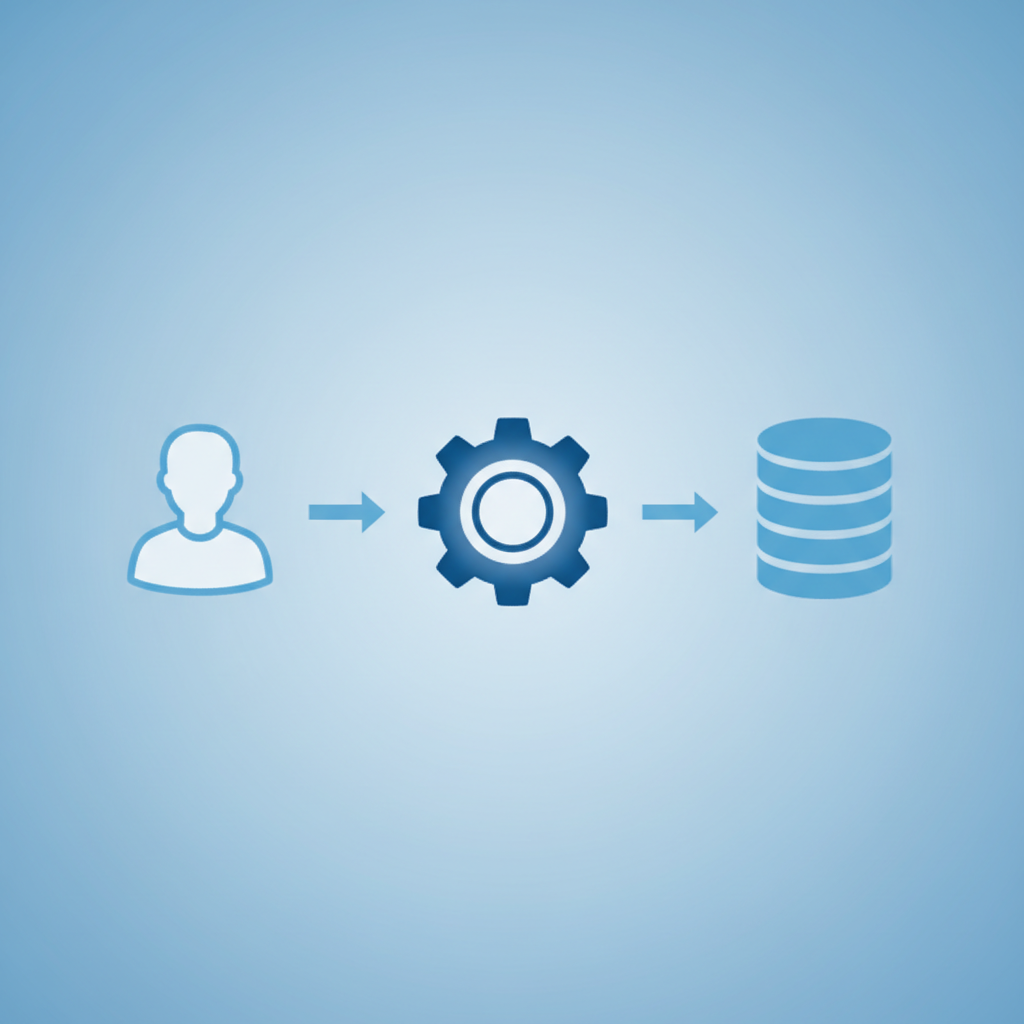
DBMS is the software that interacts with end-users, applications, and the database itself to capture and analyze the data.
Creates Databases
Manages access and security
Updates and retrieves data
Why use a DBMS?
Before DBMS, people used file systems (like text files). DBMS solves major problems:
Reduces Data Redundancy: Prevents duplicate copies of the same data.
Data Consistency: Ensures data matches across all views.
Data Security: Restricts access to authorized users only.
Sharing: Multiple users can access data at the same time.
Relational Database Model
Most common type of database where data is stored in TABLES (relations).
Table: A collection of related data.
Row (Record): A single entry of data (horizontal).
Column (Field): A specific category of data (vertical).
Fields and Records
In a database table, a vertical column is called a Field (Attribute), storing one type of data. A horizontal row is called a Record (Tuple), representing one complete entry.
Field: 'Email Address'. Record: 'John Doe, john@example.com, Grade 10'.
The Primary Key
A Primary Key is a unique field that identifies each record in a table. It cannot be left blank (Null) and must be unique.
In a class, two students might have the name 'Rahul', but they will have different 'Roll Numbers'.
Foreign Key
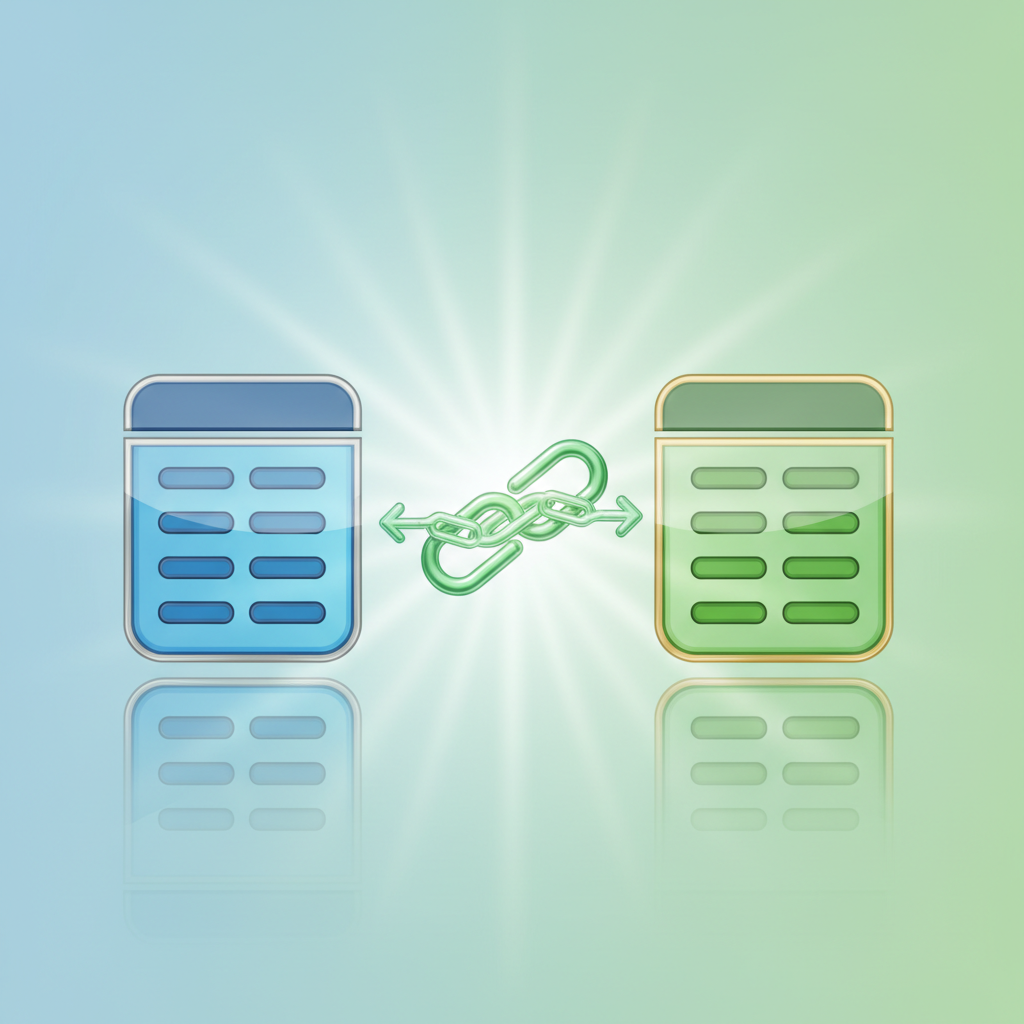
A Foreign Key is a field in one table that links to the Primary Key of another table. It acts as a bridge to connect related data across different tables.
'Course_ID' in the STUDENTS table connects to 'Course_ID' in the COURSES table.
Popular DBMS Software
MySQL: Open Source, very popular for web applications.
Oracle Database: Powerful, used by large corporations.
Microsoft Access: Great for small scale and beginners (part of Office).
SQL Server: Microsoft's enterprise database solution.
Most Popular Databases (2025)
This chart shows the approximate popularity score of major database systems used globally.
Summary
Data is raw facts; Database is the organized collection.
DBMS is the software used to manage databases securely and efficiently.
RDBMS uses Tables, Rows, and Columns.
Primary Keys ensure every record is unique.
Thank You!
- dbms
- database-management
- class-10-computer-science
- sql
- rdbms
- technology-education
- mysql
- data-organization