








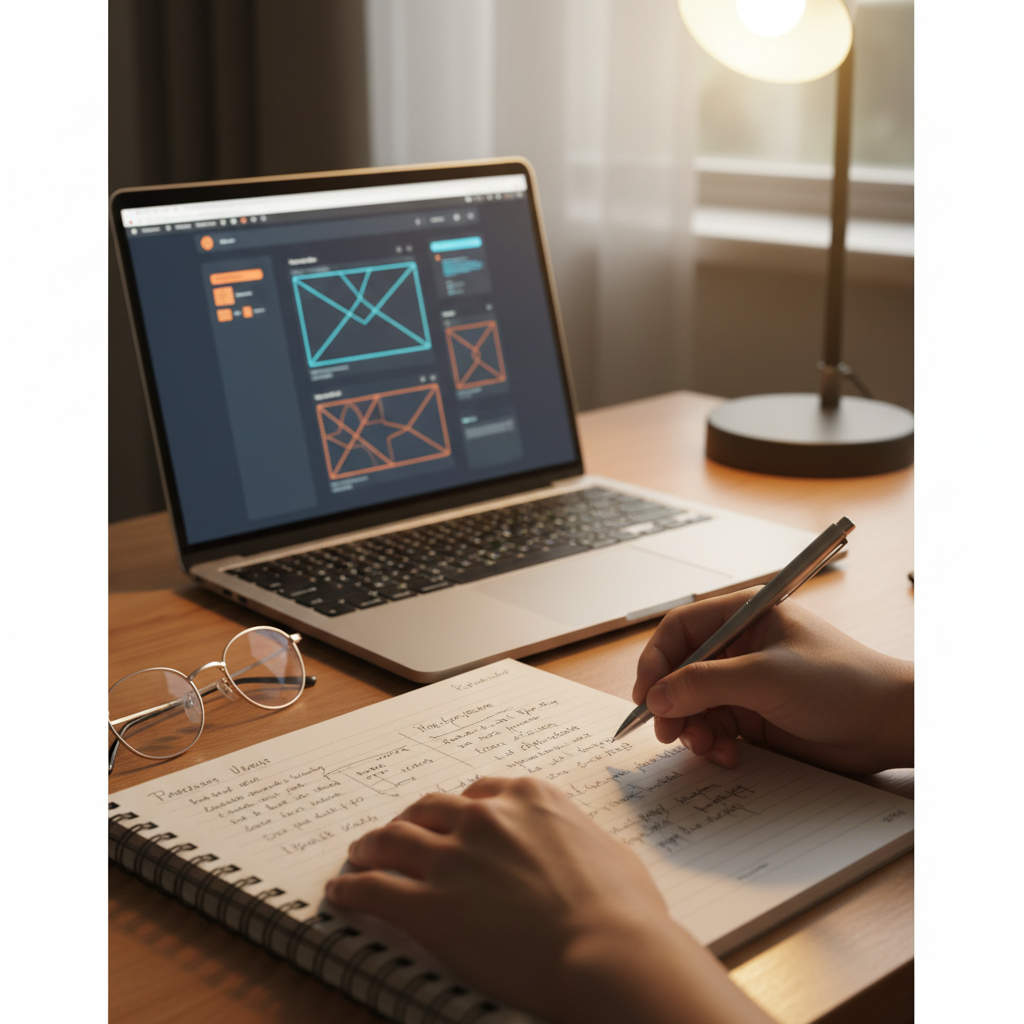
Usable Security Design for Banking Applications
Explore design principles for user-friendly banking security. Learn how simplicity and behavioral nudges improve security compliance and user experience.
Usable Security Design for Banking Application
Project 8 – Implementation Presentation: Usable Security Design Principles
Name: Aryan Kumar Singh
College: Amity University Online
Project Given By: TCS iON
Course: IHC – PACS | Module 8
Introduction & Objectives
Project Objectives
To understand the concept of usable security<br>To design a user-friendly security interface<br>To encourage secure user behavior without reducing usability<br>To balance security and user experience in a banking application
Why it Matters
Users often ignore complex security warnings<br>Poor usability leads to unsafe user behavior<br>Security should support users, not frustrate them
Banking Application Overview
<strong>Application Description:</strong><br>• Online banking platform for secure transactions.<br>• Features: Login, fund transfers, account management.<br>• Critical Impact: Security features directly influence user experience.<br><br><strong>User Target Audience:</strong><br>• Normal banking customers seeking convenience.<br>• Senior citizens requiring accessibility.<br>• Both mobile and desktop interface users.
Problems with Traditional Security
<strong>Common Design Issues:</strong><br>• Complex, hard-to-remember password rules.<br>• Confusing security warnings and alerts.<br>• Excessive authentication steps causing fatigue.<br><br><strong>The Negative Result:</strong><br>• Users resort to choosing weak passwords.<br>• Critical security features are bypassed.<br>• Increased susceptibility to fraud.
Usable Security Design Principles
<strong>Simplicity:</strong> Reduce cognitive load.
<strong>Clear Communication:</strong> Plain language, no jargon.
<strong>Minimal Disruption:</strong> Security fits the workflow.
<strong>Consistency:</strong> Predictable UI patterns.
CORE GOAL: To make secure behavior the easiest option for users.
User-Centered Security Design
<strong>Design Decisions Impact:</strong><br><br>• <strong>Password Strength Indicators:</strong> Visual meters guide users to create stronger credentials instantly.<br><br>• <strong>Readable Security Messages:</strong> Alerts are written in simple human language.<br><br>• <strong>Step-by-Step Guidance:</strong> Contextual help during sensitive actions like transfers.<br><br>• <strong>Benefit:</strong> Reduced errors and clear understanding of requirements.
Behavioral Nudging Implementation
What is it? Small design changes that guide user behavior without forcing them, encouraging secure actions naturally.
Visual warnings (e.g., red highlights) for weak passwords.
Friendly, non-intrusive reminders to enable Two-Factor Authentication.
Confirmation messages providing pause before risky actions.
Security Notification System
<strong>Design Strategy:</strong><br>• Clear, concise messages.<br>• Avoidance of technical jargon.<br>• Color-coded priorities (Info vs. Critical).<br><br><strong>Key Examples:</strong><br>• <span style="color:#00d4ff">Blue:</span> Password change reminders.<br>• <span style="color:#ffaa00">Yellow:</span> Login from new device alerts.<br>• <span style="color:#ff4444">Red:</span> Suspicious transaction warnings.
Usability Testing Approach
<strong>Testing Method:</strong><br>• Basic usability testing with sample users.<br>• Observation of user behavior in real-time.<br>• Collection of feedback on clarity and ease of use.<br><br><strong>Focus Areas:</strong><br>• Ease of understanding interface prompts.<br>• Speed of task completion.<br>• User confidence levels.
Usability Metrics & Results
<strong>Metrics Observed:</strong><br>• Reduced password creation errors.<br>• Faster task completion rates.<br>• Higher acceptance of Two-Factor Authentication.<br><br><strong>Final Outcome:</strong><br>Users followed security steps more willingly, leading to an improved overall user experience and trust in the system.
Key Findings & Outcomes
<strong>Findings:</strong><br>• Simple design improves security adoption naturally.<br>• Users prefer guidance (nudging) over strict enforcement.<br>• Clear communication significantly reduces mistakes.
<strong>Outcomes:</strong><br>• Security features became more effective.<br>• Users felt more confident using the application.
Conclusion
Usable security is essential for real-world applications. Security and usability must work together, not against each other.<br><br>User-friendly design improves both security compliance and user trust.<br><br>This project demonstrates how good design can radically improve cybersecurity behavior.
Reflection Document
This project helped me understand that security is not only a technical problem but also a user experience problem. Designing security features from a user’s perspective showed how small design changes can improve security behavior.<br><br>The main challenge was balancing strong security with simplicity. This assignment taught me that users are more likely to follow security practices when the interface is clear and friendly.<br><br>Overall, this project improved my understanding of usable security and how design principles play an important role in cybersecurity.
- ux-design
- fintech-security
- usable-security
- banking-apps
- cybersecurity
- ui-design
- user-experience