




Salesforce Outlook Integration & Einstein Activity Capture
Learn how to optimize CRM with Einstein Activity Capture (EAC). Explore architecture, governance risks, and automated email logging for Salesforce.
Salesforce & Outlook Integration: Einstein Activity Capture
Executive Overview: Architecture, Governance, and Automation
The Visibility Gap
Current State: Reliance on manual logging creates incomplete data sets.
Impact: Leadership lacks holistic view of account engagement.
Goal: Move from reactive logging to proactive, automated activity capture.
Two-Pronged Approach
1. Outlook Integration (Add-in)
Side panel in Outlook allows users to view Salesforce records and manually log specific emails. Best for: Targeted logging.
2. Einstein Activity Capture (EAC)
Server-side synchronization that automatically captures interactions and adds them to the timeline. Best for: Complete visibility.
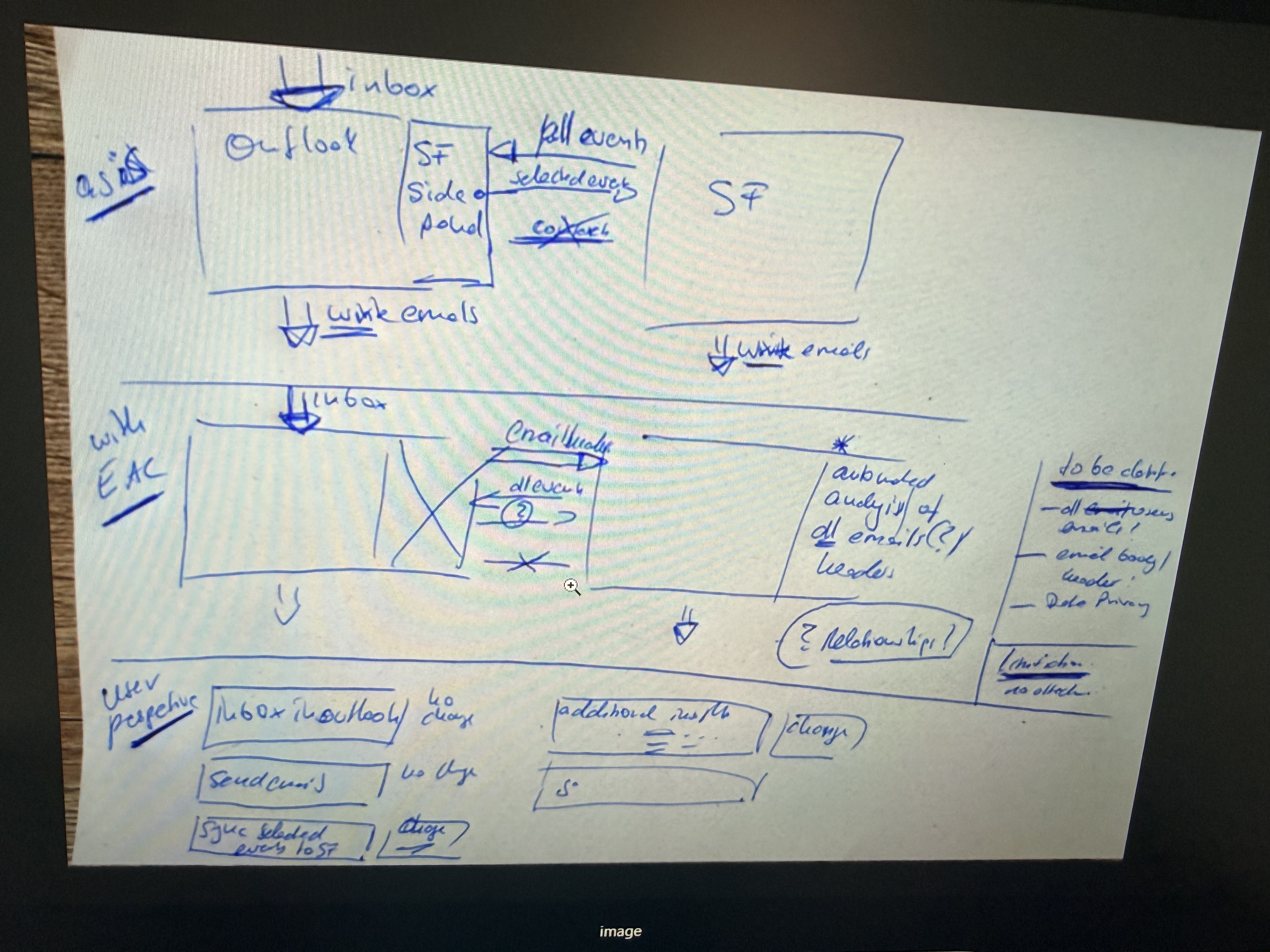
Data Flow: As-Is vs. With EAC
AS-IS: Users must manually select emails in the Side Panel. Only 'Selected Events' are pushed to Salesforce. High friction, lower data volume.
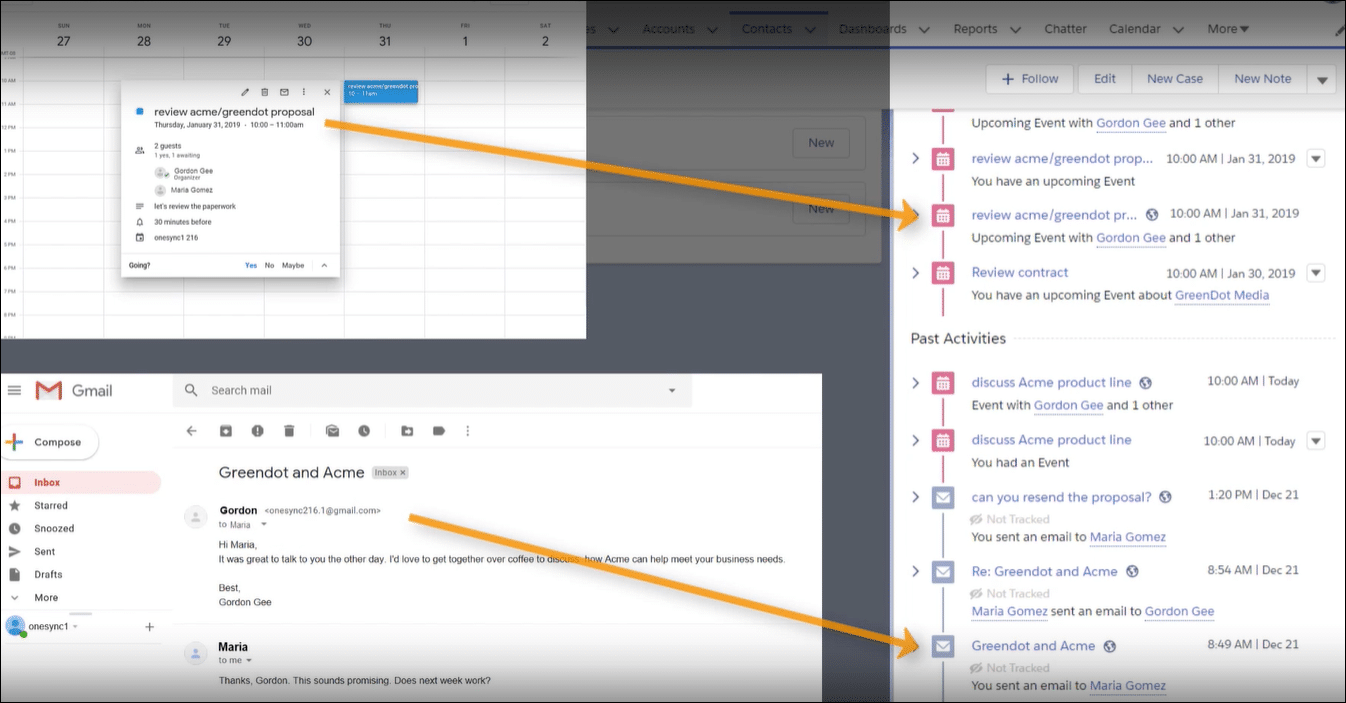
WITH EAC: Email headers and body are automatically analyzed. Sync is bidirectional or unidirectional depending on config. Relationship insights are generated automatically.
High-Level Architecture
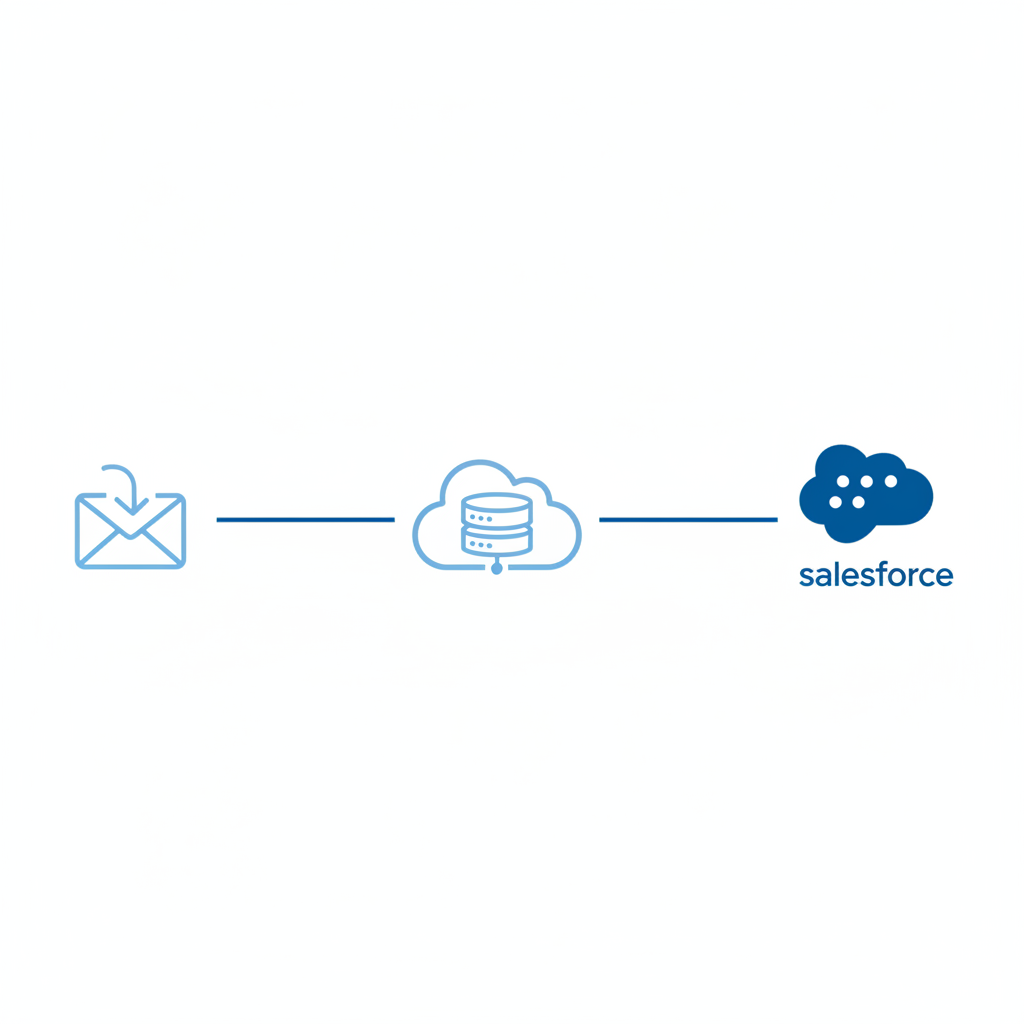
Outlook Exchange
Einstein Activity Capture (AWS Cloud)
Salesforce Visualization
The User Perspective
Inbox Handling
No change to daily workflow. Users read emails in Outlook as usual.
Sending Emails
No manual BCC or 'Log Email' clicks required. Automation runs in background.
Sync Logic
Emails matching Salesforce contacts are automatically synced. Private emails remain private.
Governance & Risks: What Leaders Need to Know
Automated Analysis Scope
EAC analyzes email headers and bodies to identify business context. Policy configuration is critical to exclude internal sensitive domains (HR, Legal).
Data Storage Location
Captured activities are stored in a dedicated AWS infrastructure, not standard Salesforce Data Objects. This impacts standard reporting.
Outcome: Relationship Intelligence
Automated activity timelines provide a clear view of customer engagement without manual entry.
Technical Limitations to Consider
Reporting: EAC data is not available in standard Salesforce reports. Requires 'Activity 360' or Tableau.
Data Retention: Activities captured by EAC are archived after a set period (e.g., 24 months) unless configured otherwise.
Attachments: Email attachments are not always automatically synced to record files.
Implementation Roadmap
Governance Review: Define excluded domains & sensitive users.
Technical Config: Authenticate Exchange & Enable EAC.
Pilot Group: Rollout to 10 power users for validation.
Full Deployment: Enable for all sales users.
- salesforce
- outlook-integration
- einstein-activity-capture
- crm-automation
- sales-operations
- eac
- data-governance