
Beautiful.ai changed how people think about slide design. Instead of drag-and-drop chaos, it introduced "smart templates" that auto-arrange your content into clean grids. Pick a slide type — comparison, timeline, big number — and the engine handles spacing, alignment, and hierarchy for you.
That was a genuine leap forward. But after using it for dozens of decks, the cracks started showing. The layouts are polished, but they're repetitive. Every comparison slide looks the same. Every timeline follows the same shape. And the content? That's still entirely on you.
What Beautiful.ai Does Well
Credit where it's due: Beautiful.ai solved a real problem. Non-designers can now produce slides that look professionally laid-out without touching alignment guides or spacing rules. The smart template engine keeps things consistent, which is valuable for brand-controlled teams.
If your workflow is "I already have all the text and data, I just need it arranged nicely," Beautiful.ai does that well. It's essentially a better, more opinionated PowerPoint.
Where Smart Templates Fall Short
The problem is that most people don't start with finished content. They start with a topic, a deadline, and a blank page. Beautiful.ai doesn't help with the hard part — the thinking, research, and narrative structure that make a presentation persuasive.
Locked Into Smart Templates
Beautiful.ai forces every slide into pre-defined 'smart' grids. You pick a slide type, and the tool decides where everything goes. If your content doesn't fit the mold, you're stuck fighting the system instead of building your story.
No Built-In Research
You still have to write every word of copy yourself, find your own data, and source your own images. Beautiful.ai handles layout — but the hardest part of making a deck is the content, not the grid.
Rigid Design System
The auto-layout engine is the product's core feature, but it's also its biggest constraint. You can't break out of the grid, overlap elements, or create truly custom compositions. Every deck looks like a Beautiful.ai deck.
Expensive for What You Get
Beautiful.ai removed its free plan and now starts at $12/month for individuals. For teams, pricing jumps quickly — and you're still doing all the content work manually on top of paying for smart templates.
Beautiful.ai Alternatives to Consider
If you're outgrowing smart templates and want more from your presentation tool, here are the realistic options in 2026.

AI builds the whole deck from one prompt — research, design, charts. No templates.

AI presentation maker; text-to-deck with card-based layouts and collaboration.
General design tool with a large template library and drag-and-drop editing.

Free, real-time collaboration; part of Google Workspace.

Google Slides add-on that generates slides from text using AI.
What We Built Instead: Bobr AI
Beautiful.ai answers the question "How do I arrange this content on a slide?" We asked a different question: "What if the tool wrote the content, found the data, and designed the layout — all from a single sentence?"
That's Bobr AI. You describe your topic, audience, and goal. It researches the web, writes slide copy, generates charts with real data, finds relevant images, and creates a unique layout for every deck. No templates. No grids. No manual content work.
Describe → Done
Type your topic. Bobr researches the web, writes the copy, finds real images, generates charts, and delivers a finished deck — in under a minute.
Every Slide Is Original
No template library. Bobr generates unique layouts, color palettes, and typography for each presentation based on your topic and style.
Built-In Research
It pulls real data, statistics, and facts from the web and cites sources — so your slides are backed by evidence, not placeholder text.
Refine with Chat
Don't like a slide? Say "make the intro more visual" or "add a comparison chart." It edits in-place, no drag-and-drop required.
Real Output from Bobr AI
These slides were generated by Bobr AI from a single prompt — not picked from a template gallery. Every layout, color palette, and typeface is original.
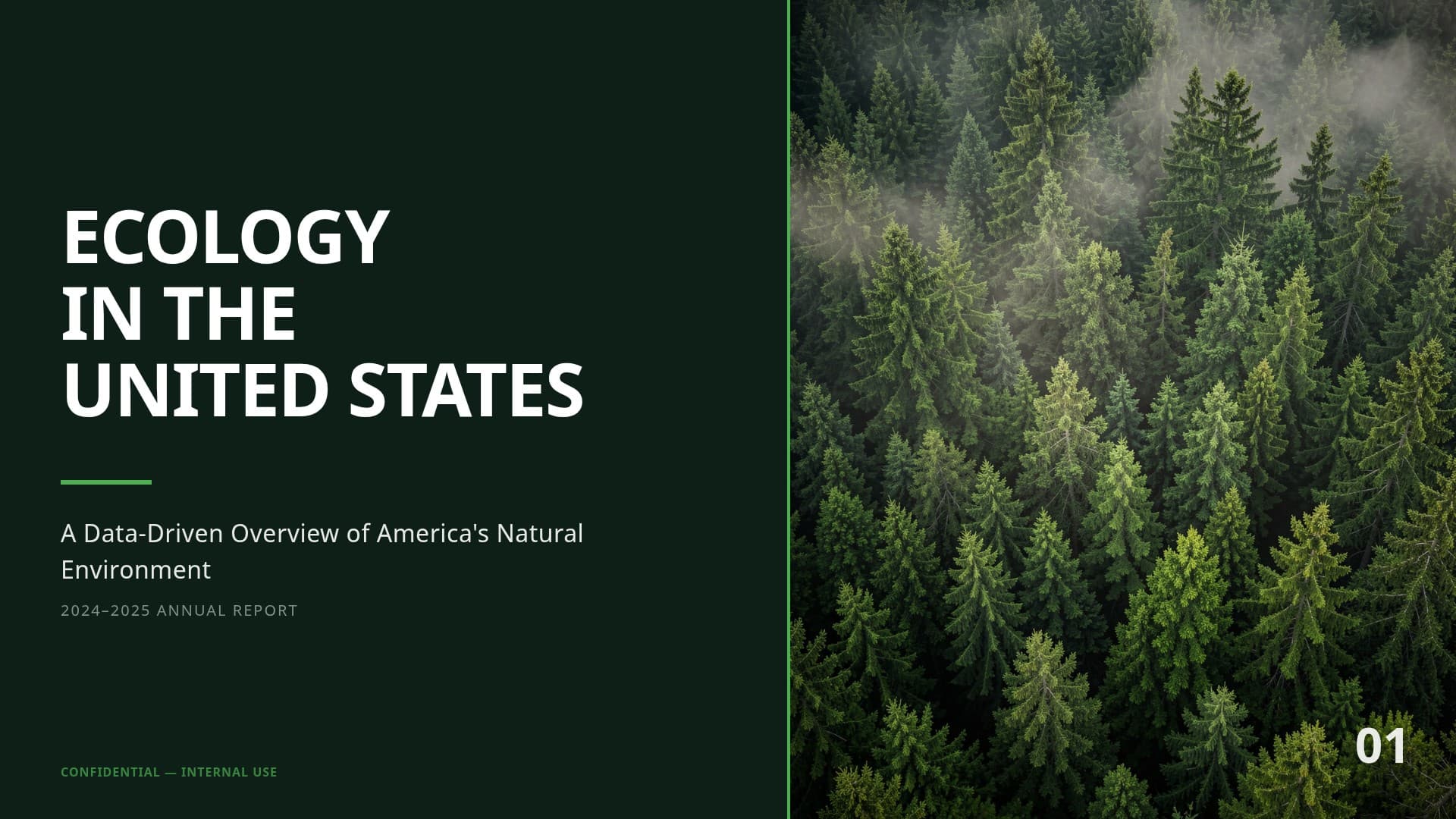
Ecology in the United States
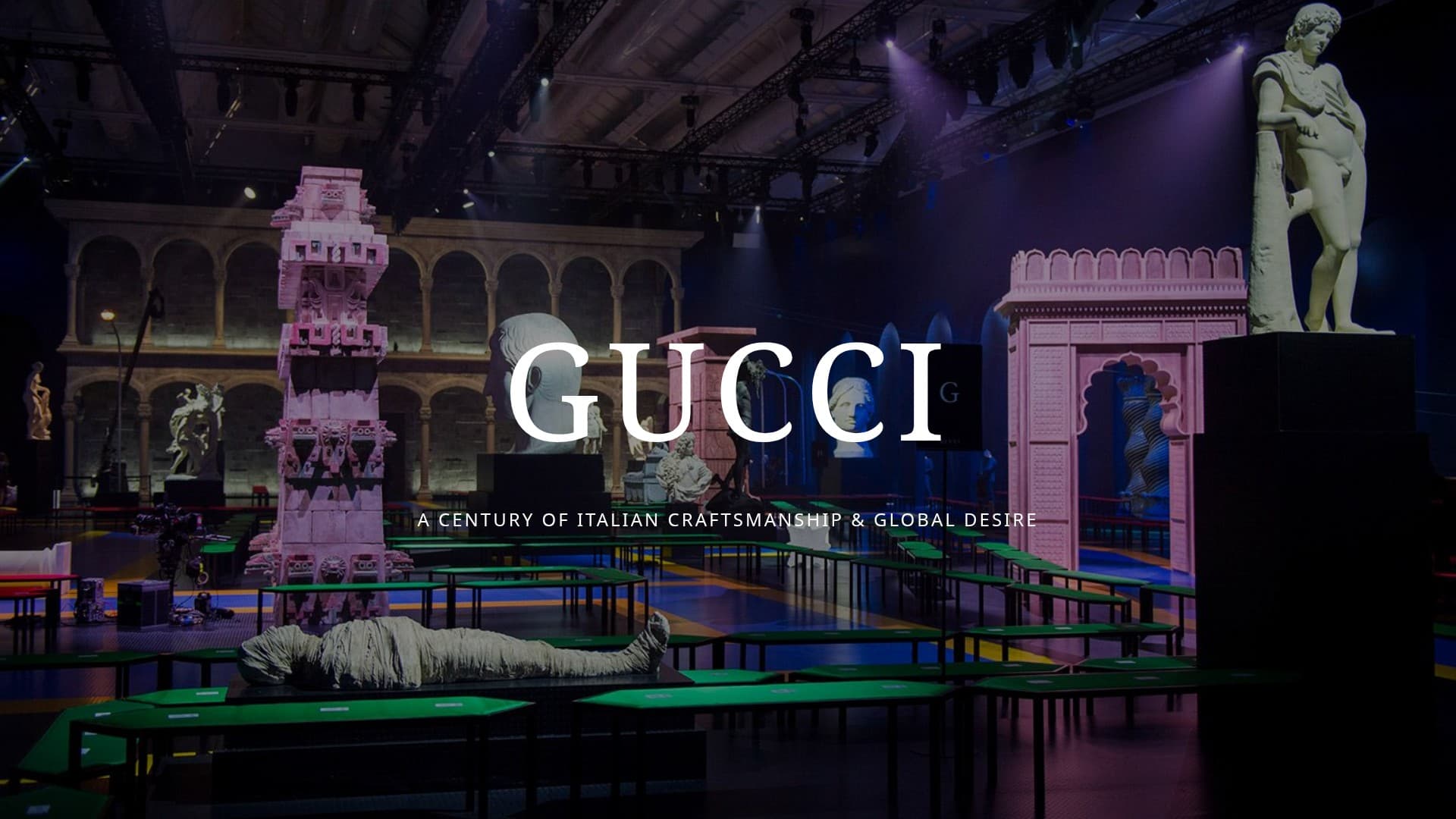
Gucci: A Fashion Icon's Evolution

Tesla Cybercab
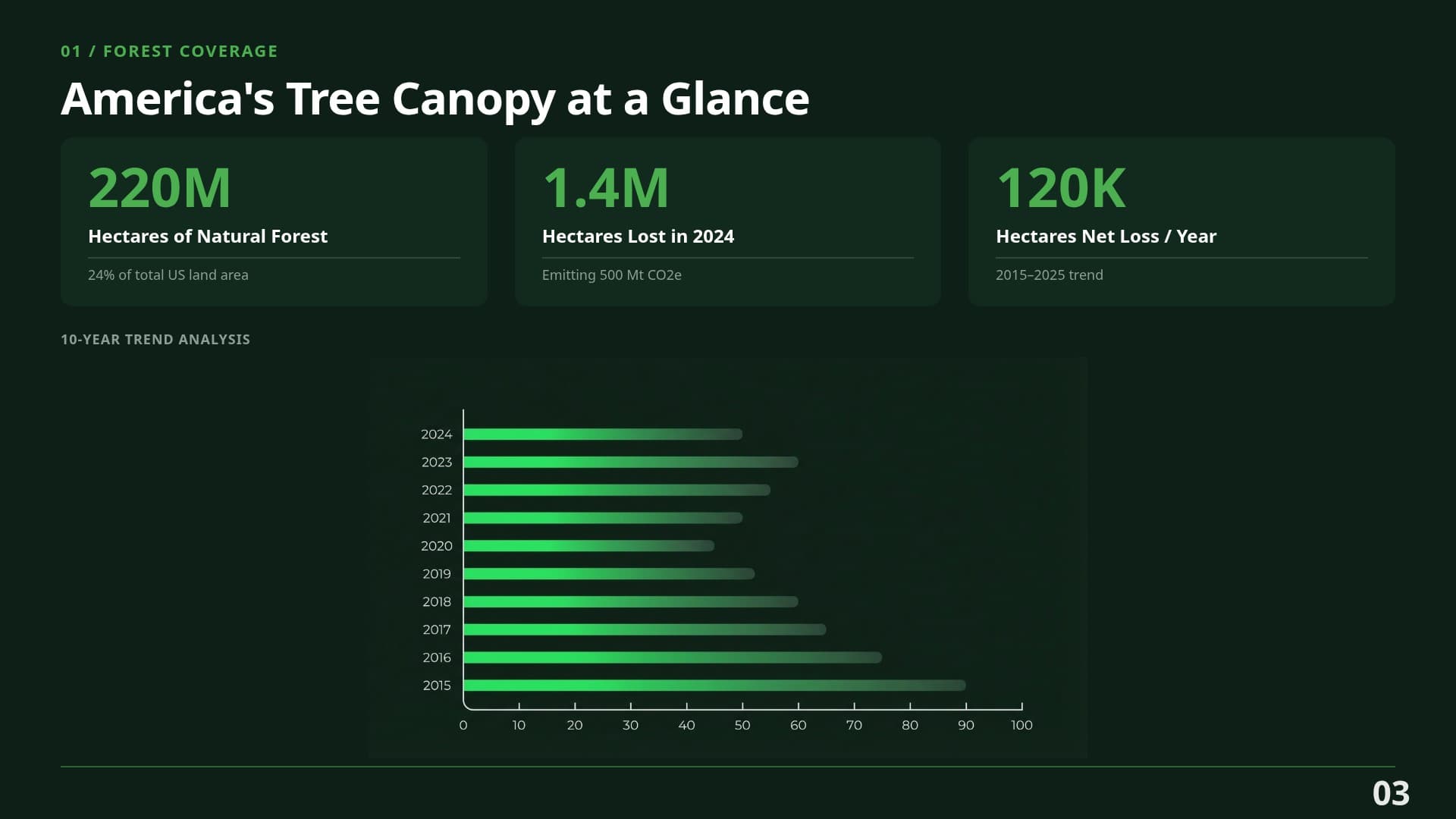
Ecology — Data Slide
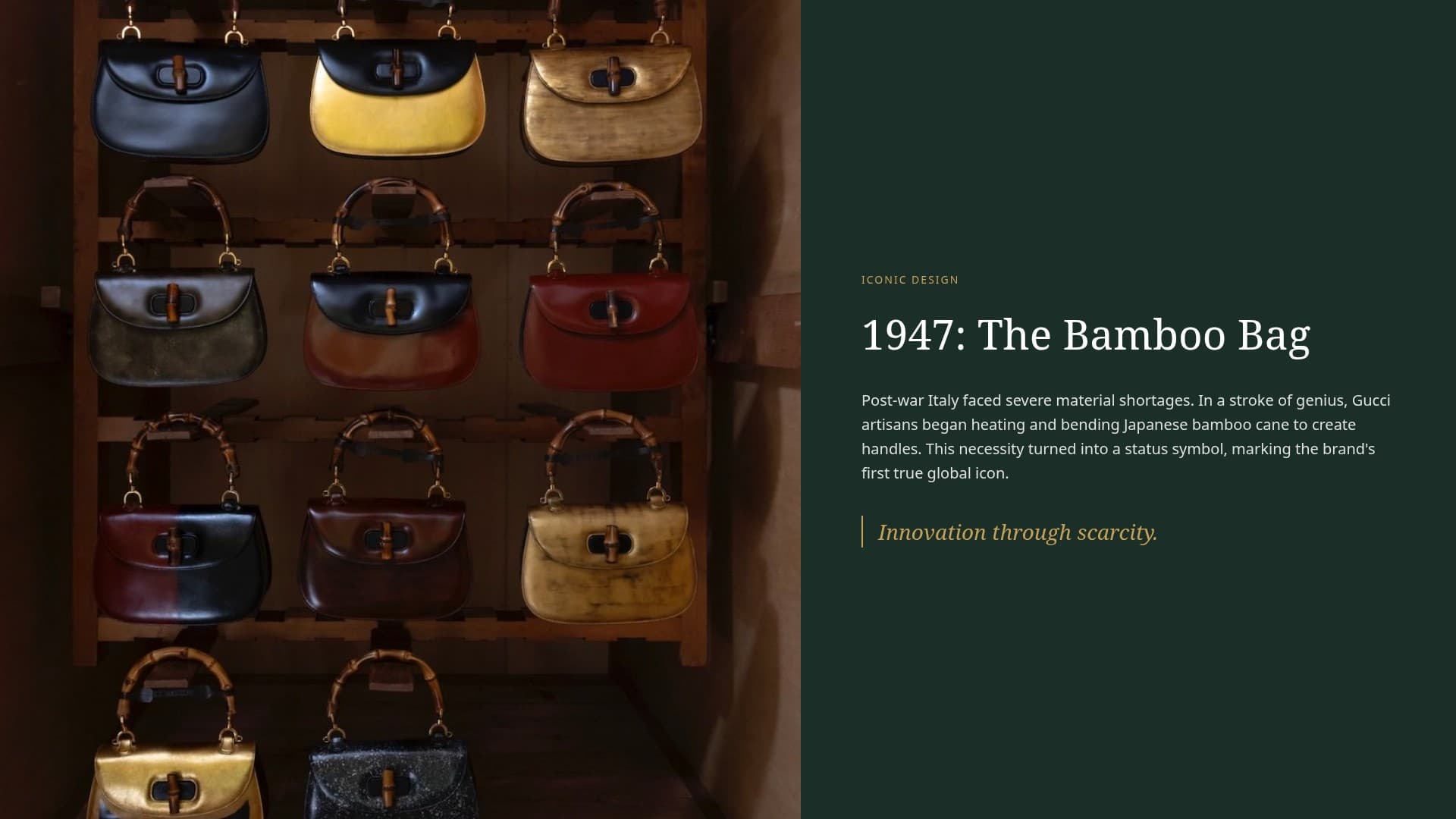
Gucci — Detail Slide
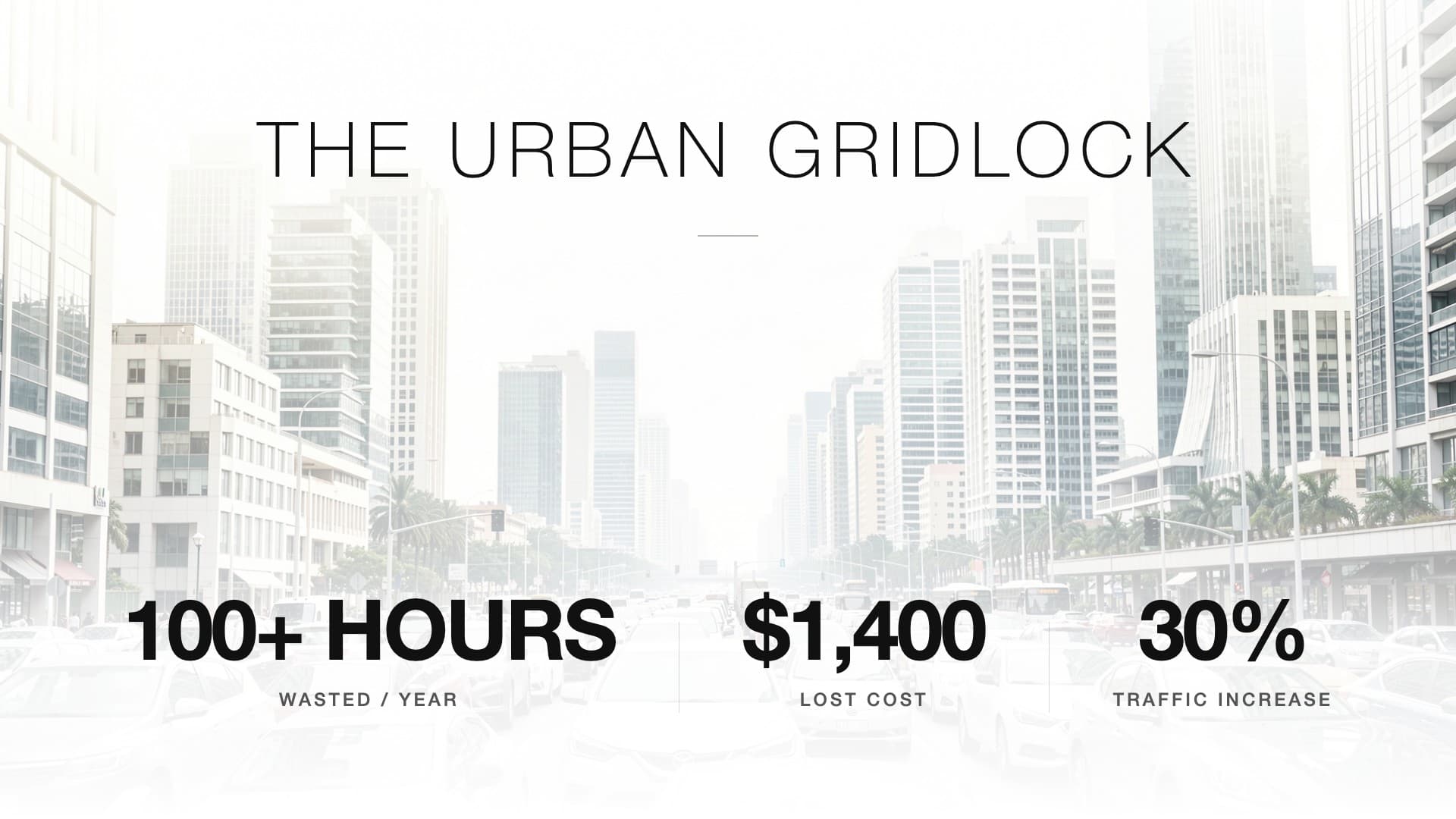
Tesla — Detail Slide
Full Feature Comparison
Here's a feature-by-feature breakdown of Bobr AI vs Beautiful.ai for building presentations.
| Feature | Bobr AI |  |
|---|---|---|
| Full presentation from a single prompt | ||
| Unique layouts (no template library) | ||
| Deep web research for content | ||
| AI image generation | ||
| Real photography search | ||
| Data charts from live data | ~ | |
| Chat editing (natural language) | ||
| Brand kit support | ||
| Brand kit from URL | ||
| Smart auto-layout | ||
| PDF/image upload as source | ||
| PowerPoint export | ||
| Free tier available |
How to Switch from Beautiful.ai
Moving your existing decks from Beautiful.ai to an AI-native tool is straightforward.
Export your Beautiful.ai decks
Open each presentation in Beautiful.ai and export as PowerPoint (PPTX) or PDF. This preserves your text content and general structure.
Upload to Bobr AI as source material
In Bobr AI, upload your exported file. The AI reads the content, analyzes the structure, and lets you regenerate the entire deck with unique, template-free layouts in seconds.
Set up your brand kit
Bobr AI can pull brand colors, fonts, and logos directly from your company URL — no manual entry needed. Your new presentations will match your brand from the first slide.
Common Questions
What is the best alternative to Beautiful.ai?
For teams that need full AI-generated presentations rather than smart templates, Bobr AI is a strong alternative. It creates complete decks from a single prompt — including researched content, images, and charts — with unique layouts instead of pre-defined grids.
Does Beautiful.ai have a free plan?
Beautiful.ai removed its free plan. The lowest tier starts at $12/month per user. By contrast, Bobr AI offers a free tier that lets you create presentations without a credit card.
How does Beautiful.ai compare to Bobr AI?
Beautiful.ai uses smart templates with auto-layout — you choose a slide type and fill in content manually. Bobr AI generates the entire presentation from a text prompt, including copy, data, images, and layout. Beautiful.ai controls where things go; Bobr AI creates what goes there.
Can I export from Bobr AI to PowerPoint?
Yes. Bobr AI exports to both PowerPoint (PPTX) and PDF, so your presentations work everywhere — including offline meetings and email attachments.
Is Beautiful.ai good for data-heavy presentations?
Beautiful.ai supports basic charts, but you need to enter data manually. Bobr AI can generate charts with real, researched data pulled from the web and add them to your slides automatically.
Can I switch from Beautiful.ai to Bobr AI?
Yes. Export your Beautiful.ai decks as PPTX or PDF, then upload them to Bobr AI as source material. The AI will read the content and let you generate a redesigned version with unique layouts.
What can Bobr AI do that Beautiful.ai cannot?
Bobr AI generates entire presentations from scratch — no templates. It performs deep web research, pulls real data for charts, generates unique layouts and typography for every deck, and lets you refine slides with natural language chat. Beautiful.ai requires manual content creation within fixed grids.
Ready To Go
Beyond Templates?
Create your first presentation for free and see how Bobr AI compares to Beautiful.ai. No credit card required.