
Mastering 4K Broadcast Workflow with Blackmagic Design Ecosystem
System Overview
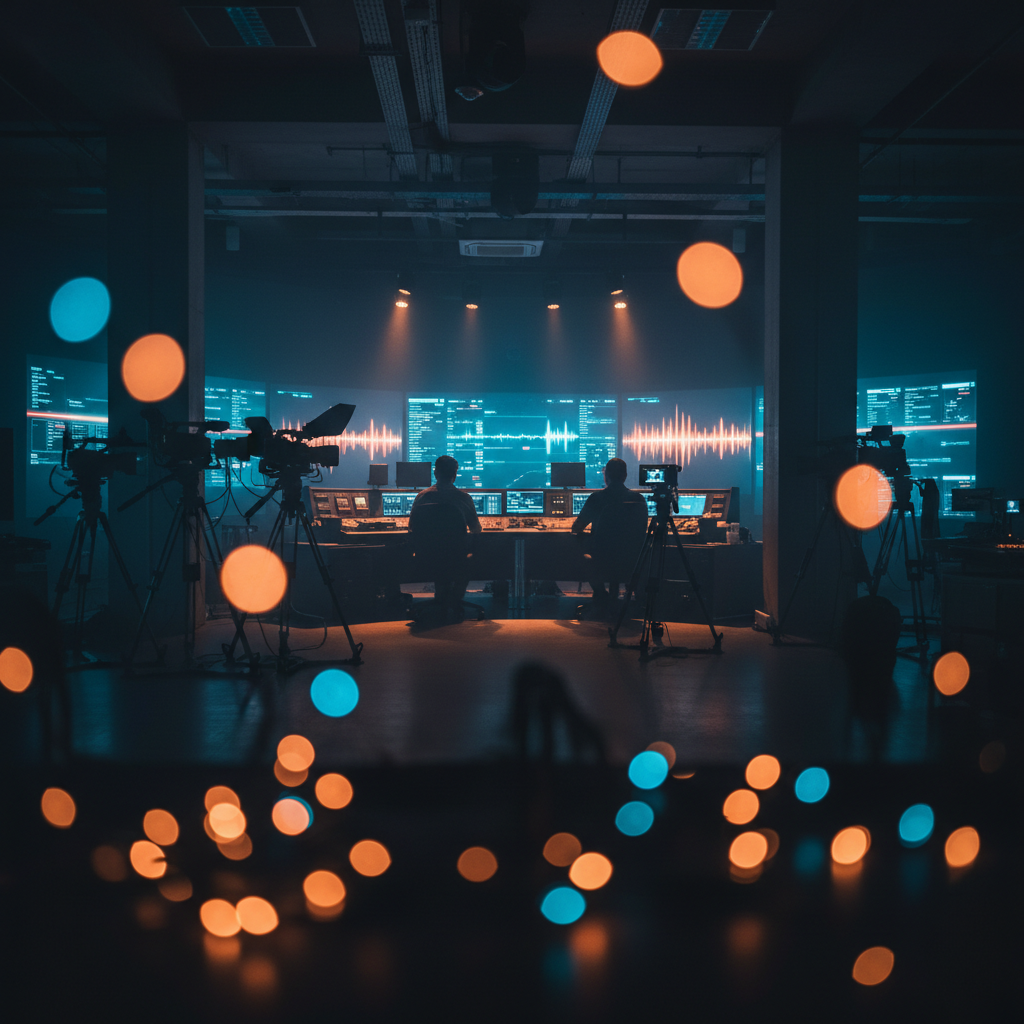
To achieve a professional broadcast workflow, a high-bandwidth infrastructure is essential. The proposed configuration leverages Blackmagic Design's ecosystem to handle 12G-SDI signals, enabling a robust, full 4K workflow from capture to delivery.
Central Routing: The Hub
At the heart of the system is the Blackmagic Videohub 40x40 12G. It manages all 12G-SDI signal patching, allowing any camera to connect to switchers, decks, or displays instantly.
Input Routing Configuration
- 8 PTZ Cameras outputting 12G-SDI signals.
- Direct connection to the Videohub 40x40 12G router.
- Router acts as patch bay for switcher and recorders.
HDMI Integration
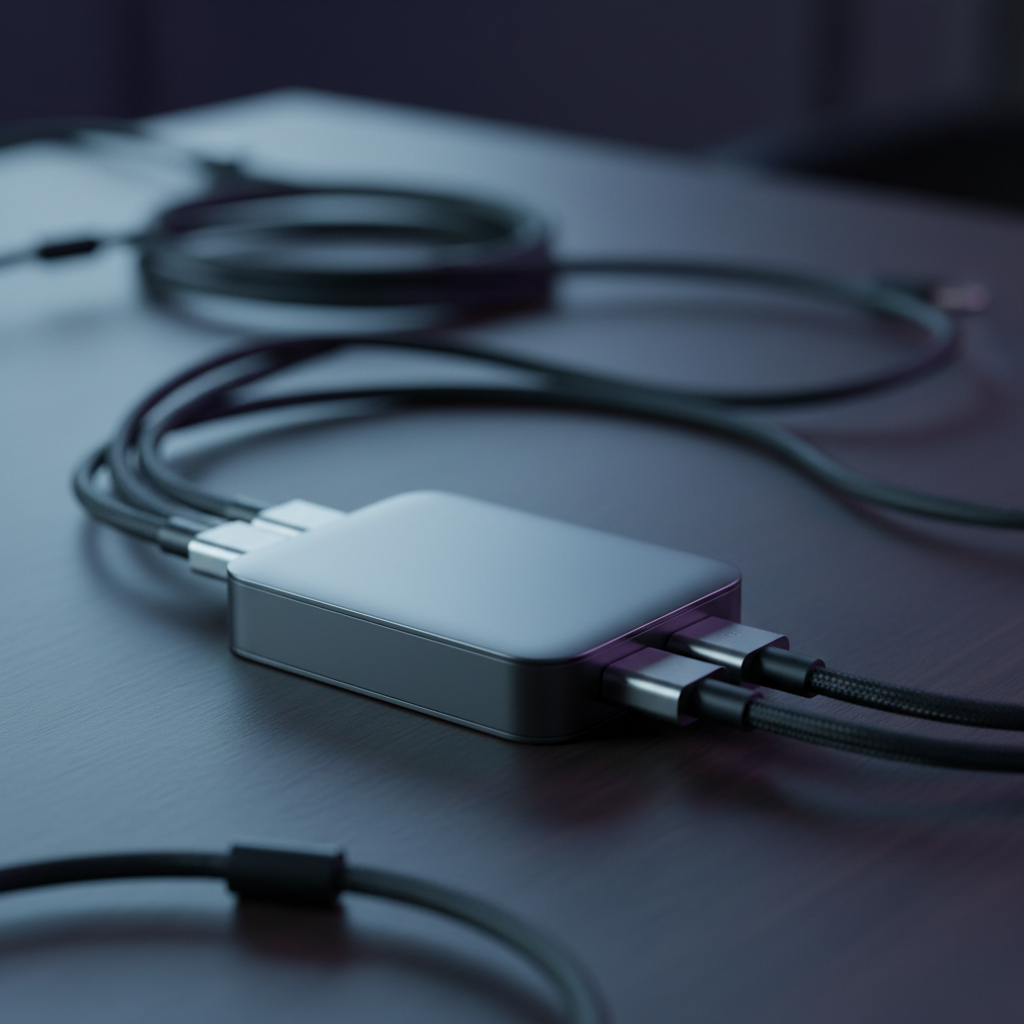
To incorporate laptop presentations, the output is converted using a Blackmagic Micro Converter HDMI to SDI 12G. This ensures the HDMI source enters the 12G-SDI environment seamlessly.
Vision Mixing
The ATEM Constellation 1 M/E 4K receives feeds from the Videohub. It handles all internal processing, including transitions, keying effects, and generation of the multi-view output.
Monitoring & Display
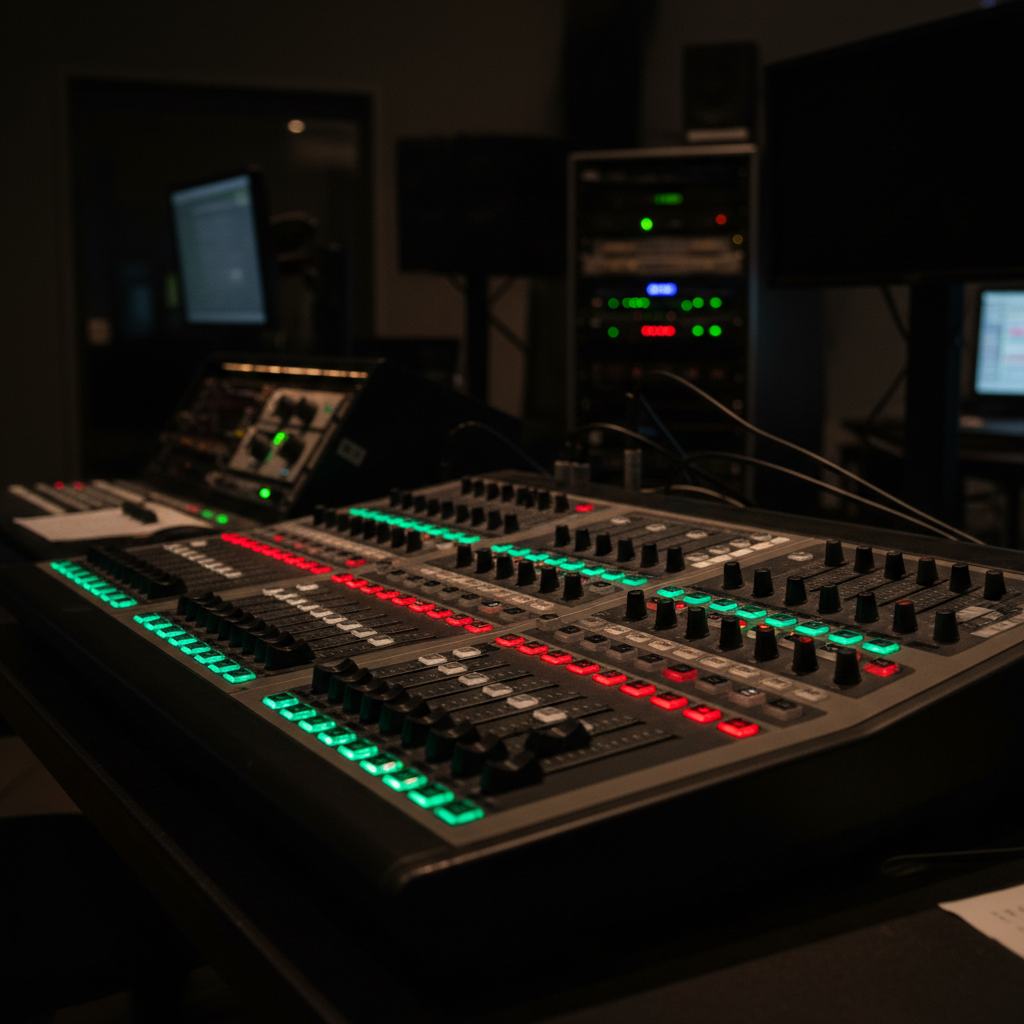
► Four displays fed independently by Videohub outputs.
► Ability to toggle Program (PGM) feed on any screen.
► View specific camera 'ISO' feeds or laptop content instantly.
Recording & Capture
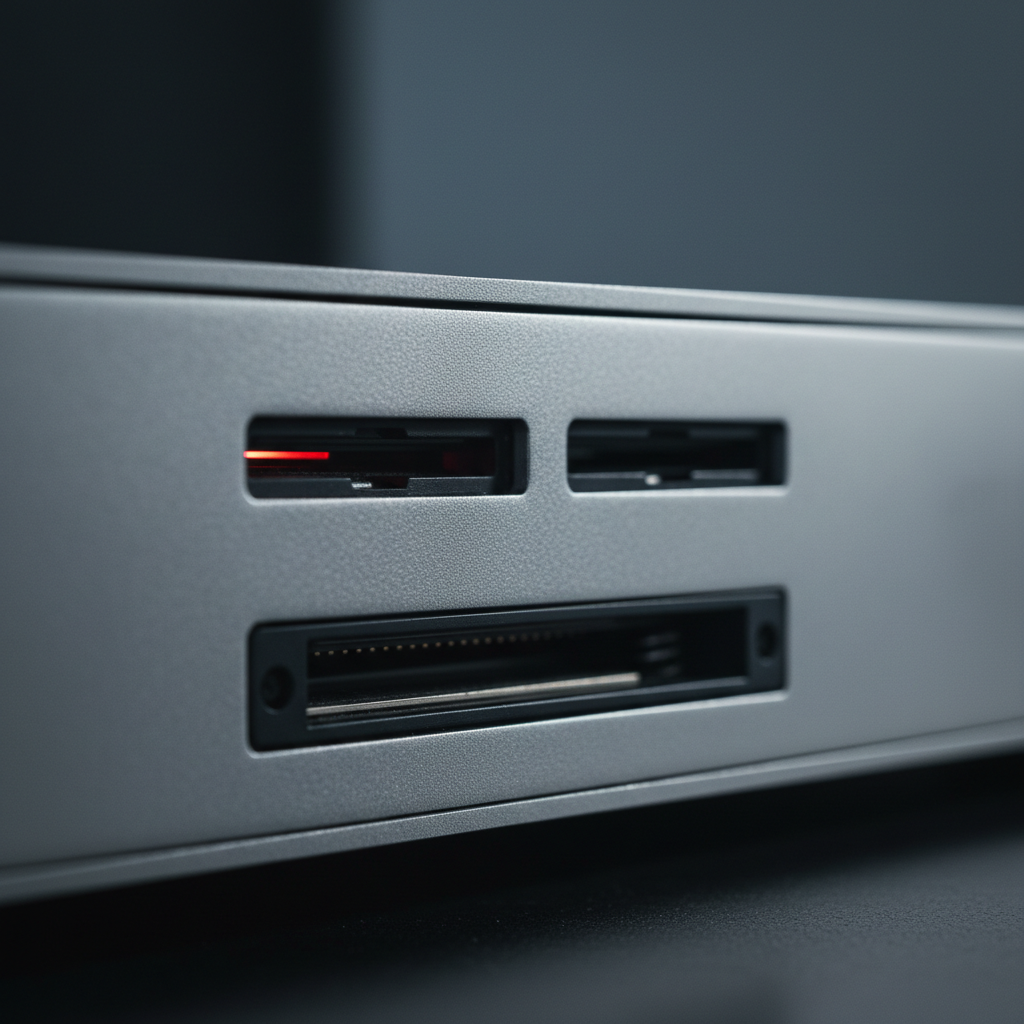
The HyperDeck Studio 4K Pro captures the master program in broadcast quality. It connects directly to the Videohub and records onto reliable SSDs or SD cards, ensuring a high-fidelity archive.
Simultaneously, a Blackmagic Web Presenter 4K will take a feed from the router to stream the content to your preferred online platform.
Streaming Solution
Recommended Equipment List
- • Central Router: Videohub 40x40 12G
- • Switcher: ATEM Constellation 1 M/E 4K
- • Recorder: HyperDeck Studio 4K Pro
- • Streamer: Web Presenter 4K
- • Converter: Micro Converter HDMI to SDI 12G