Revolutionizing Video Creation: AI-Powered Tools for Effortless Content Generation
AI Video Generation
Turn your photos into dynamic stories instantly using free AI tools.
From Static to Cinematic
Gone are the days when you needed expensive cameras and actors. Now, a single photograph and a text prompt are all you need to generate high-quality video content. Whether you want to animate a character, create a cinematic scene, or explain a concept, AI handles the motion, lighting, and composition in seconds.
How It Works
1. Upload Your Photo: Choose a portrait, landscape, or abstract image. 2. Write a Prompt: Describe the movement ('dancing', 'walking', 'raining') and the mood. 3. Customize: Adjust style settings or camera movement. 4. Generate: In under a minute, your still image becomes a video loop.
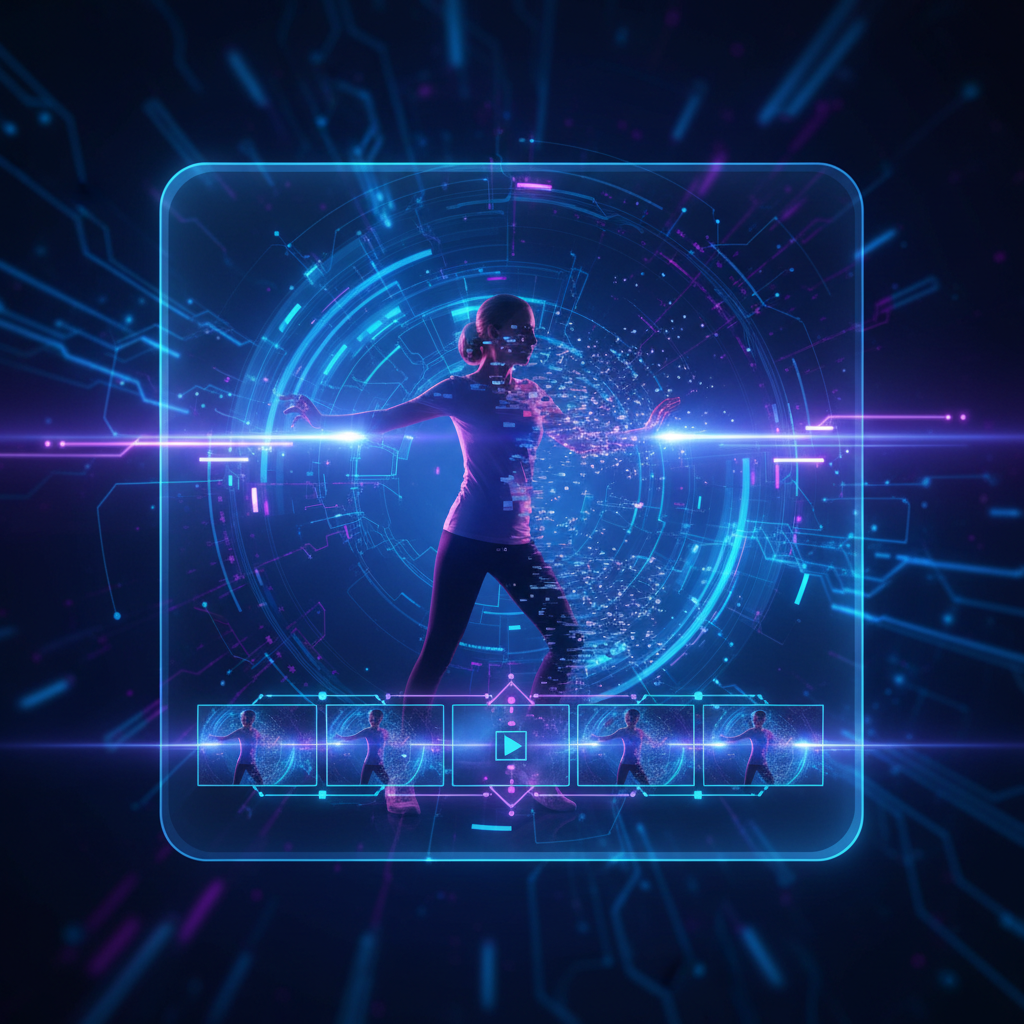

HeyGen: Bring Avatars to Life
HeyGen is perfect for character animation. Simply upload a photo of a friend or a character, input a script, and the AI will animate the face and lips to sync perfectly with the audio. It is ideal for greetings, presentations, or funny messages.
Runway Gen-2
For cinematic results, Runway is an industry leader. It allows for complex 'Image-to-Video' prompts where you can direct specific camera movements (zoom, pan) and lighting changes. The free tier offers credits to generate about 100 seconds of video.
Other Essential Free Tools
- ▶ Canva Magic Media: Integrated directly into Canva, great for quick social media clips.
- ▶ Vidu: Offers excellent image referencing and character consistency, with a generous free plan during non-peak hours.
- ▶ Invideo AI: Best for generating entire video scripts and b-roll from a single text prompt.
- ▶ Gemini (Veo): Google's integrated tool for high-quality short clips.
Free Tier Limitations
Different tools offer different 'free' allowances. Invideo is generous with duration but includes watermarks. Runway offers high quality but limited one-time credits. HeyGen focuses on short avatar clips.
"You don't need a film crew. You just need an idea, a photo, and the right prompt."
— AI Video Revolution
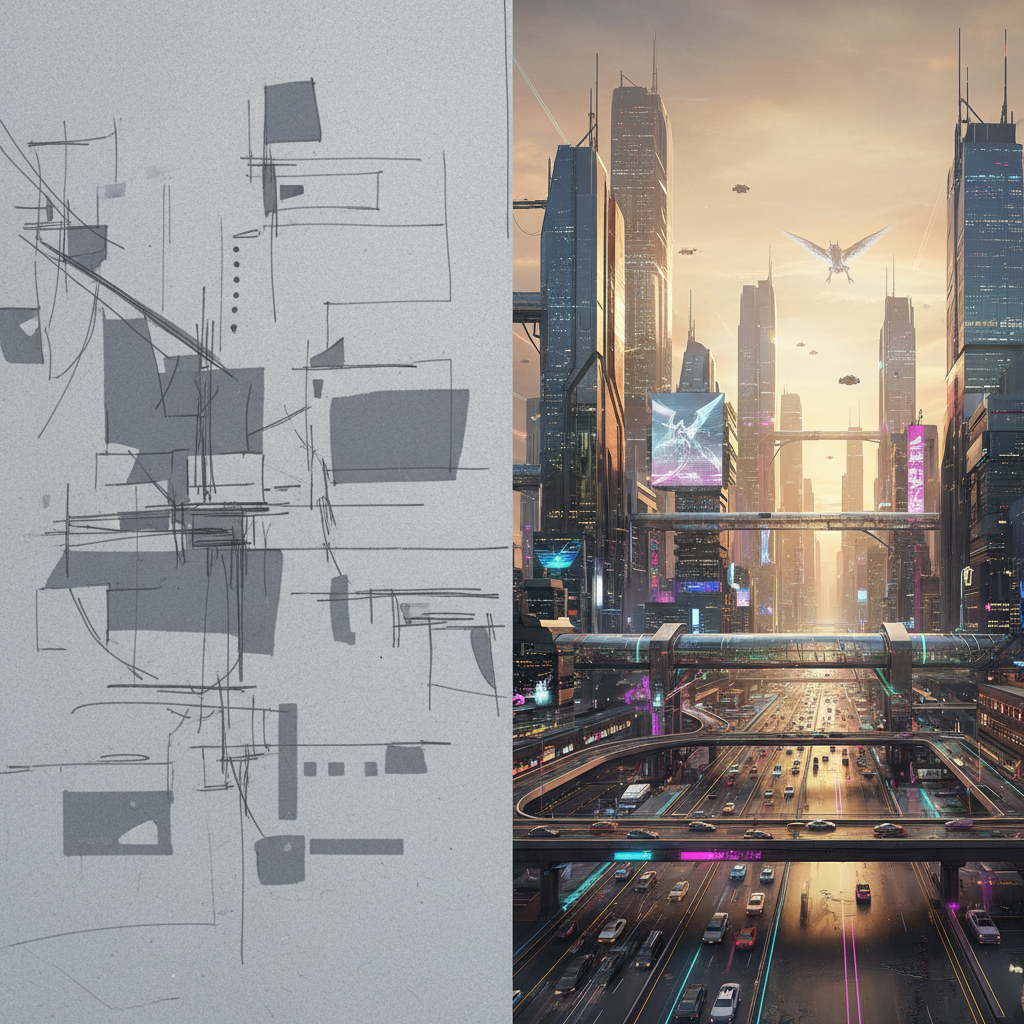
Pro Tips for Better Prompts
1. Be Specific: Instead of 'a dog', say 'a golden retriever running on a beach at sunset'. 2. Define Movement: Use words like 'zoom in', 'pan right', or 'slow motion'. 3. Set the Style: Add keywords like 'cartoony', 'realistic', '90s vibe', or 'cyberpunk'.